
The first scan is easy.
That is the part most AI skin analysis apps get right.
You open the camera. You take a selfie. The app gives you a score, a few labels, maybe a face map, maybe a routine. For a minute, it feels like the problem is finally organized.
Then real skin shows up again.
Your cheek looks red under bathroom light. Your chin breaks out after a good week. Your moisturizer pills under sunscreen. You cannot remember whether you used the exfoliant twice or four times. The app still has a number for you, but the number does not always tell you what to do next.
That is where I would judge this category in May 2026.
Not by which app has the loudest scan screen.
By which one helps after the novelty wears off.
Quick answer
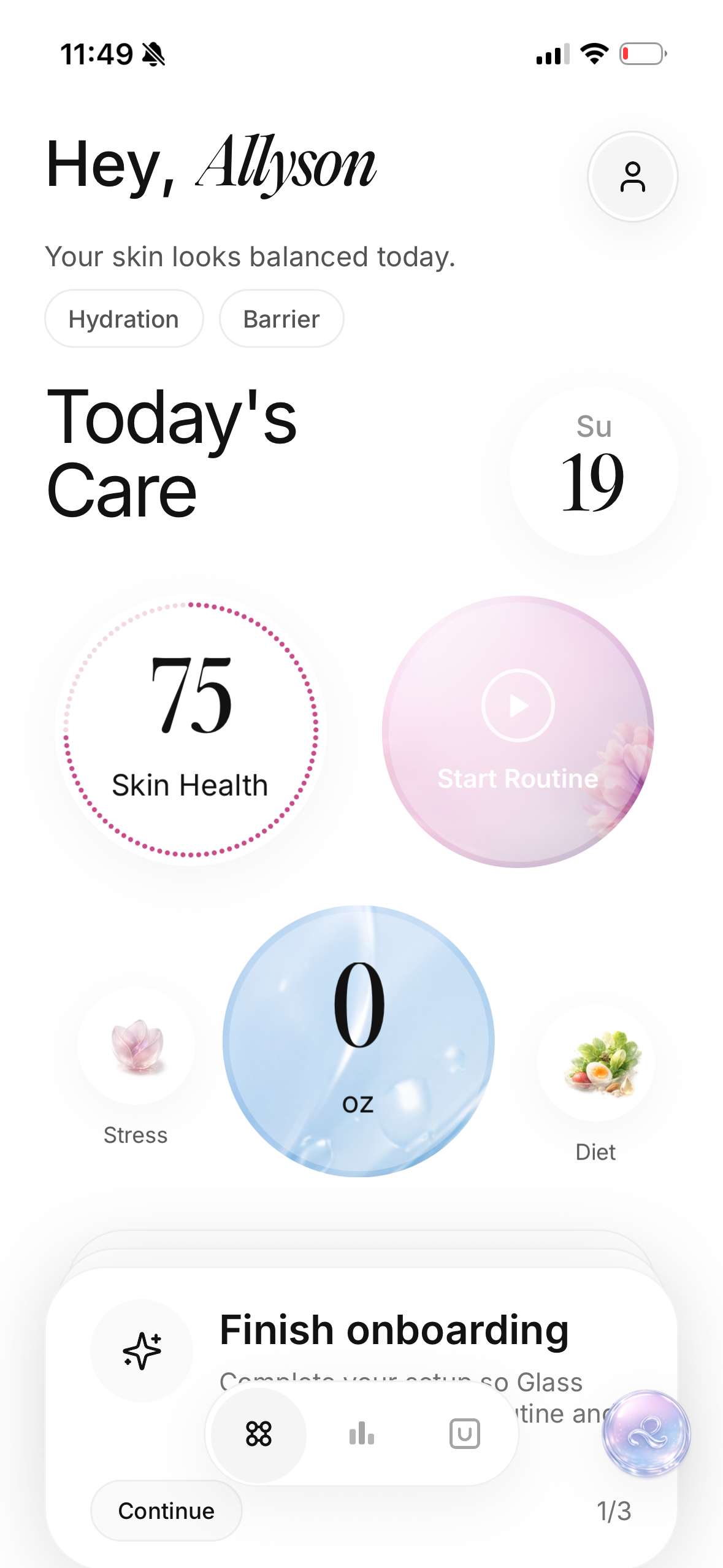
If I were choosing an AI skin analysis app for most people, I would start with Glass because it connects the scan to the routine, product log, progress photos, reminders, and weekly skin context. A scan without context can become another thing to stare at. A scan connected to the routine can actually change behavior.
The short list looks like this:
| Image | App | Best for | Where it wins | Where I would be careful |
|---|---|---|---|---|
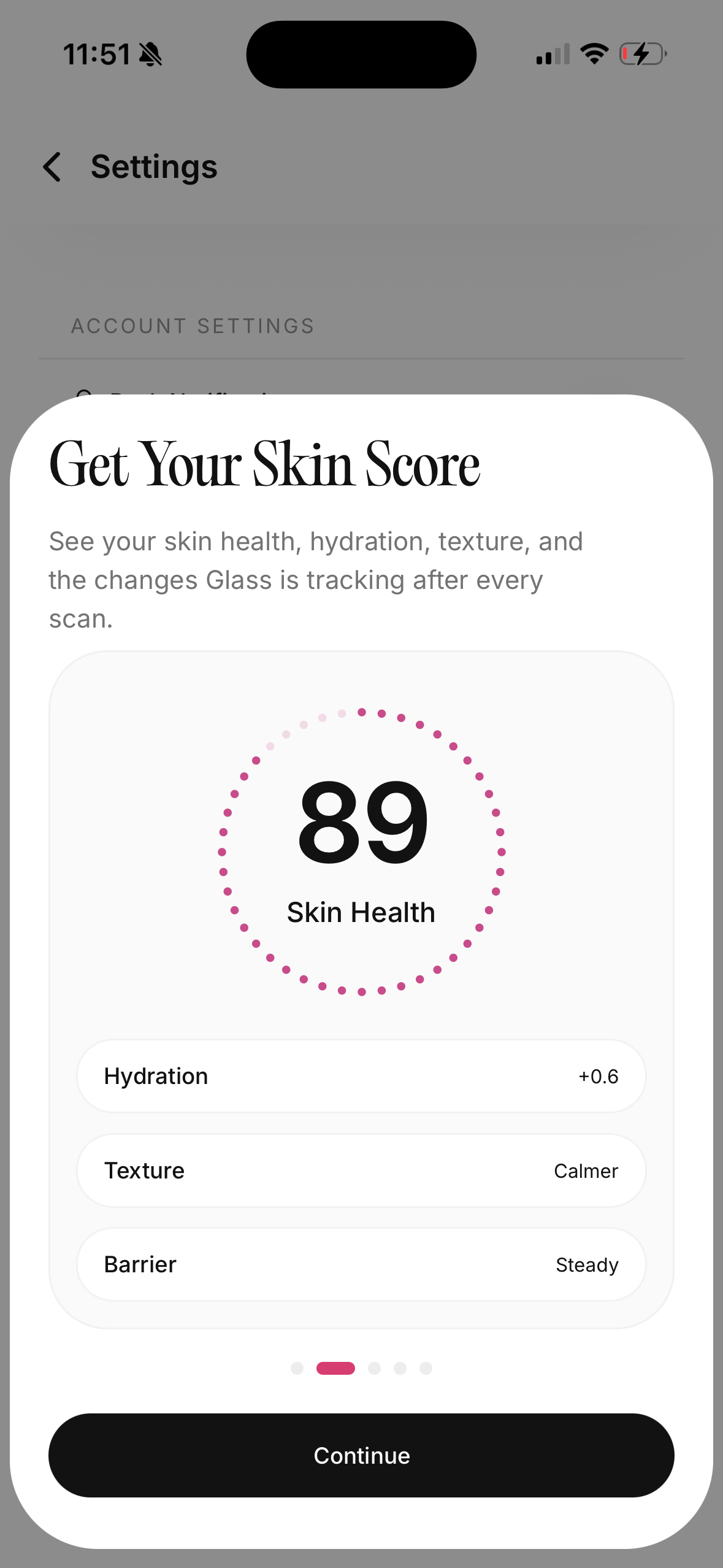 | Glass | People who want scans tied to routines and progress | Calm full loop: skin scan, morning/night routine, products, reminders, progress context | Best when you actually log the routine, not just scan once |
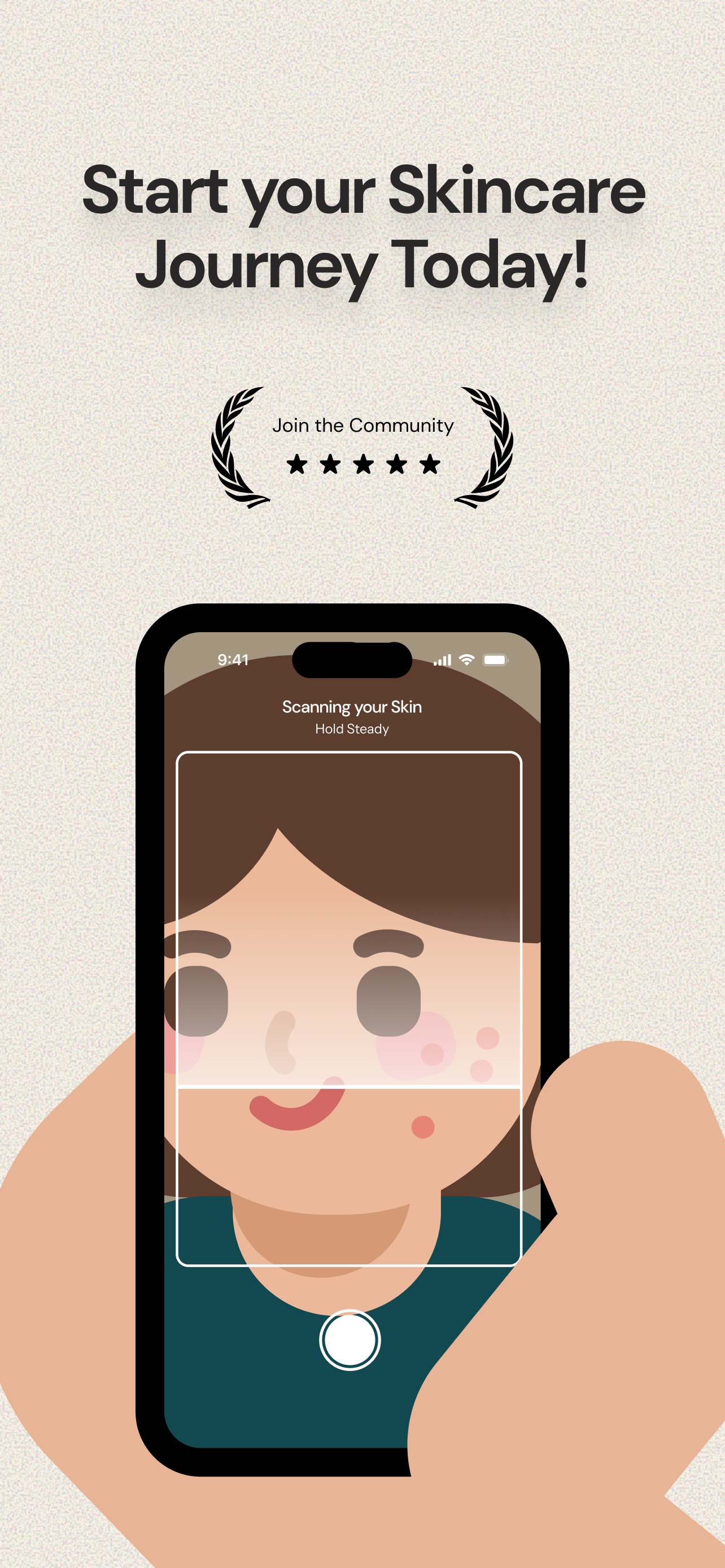 | Lume Skin | Broad all-in-one scanner users | Skin scan, ingredient scanner, AI chat, progress tracking, routines | A broad feature set can feel noisy if you only need consistency |
 | Skin Bliss | Product-heavy routines and ingredient logic | Face scan, shelf scan, ingredient checks, routine structure, product database | Powerful, but possibly more system than a beginner needs |
 | SkinCircle | People who want scan metrics and trend tracking | Daily tracking, metrics, routine correlation, data ownership language | Best for score-minded people who will not obsess over every number |
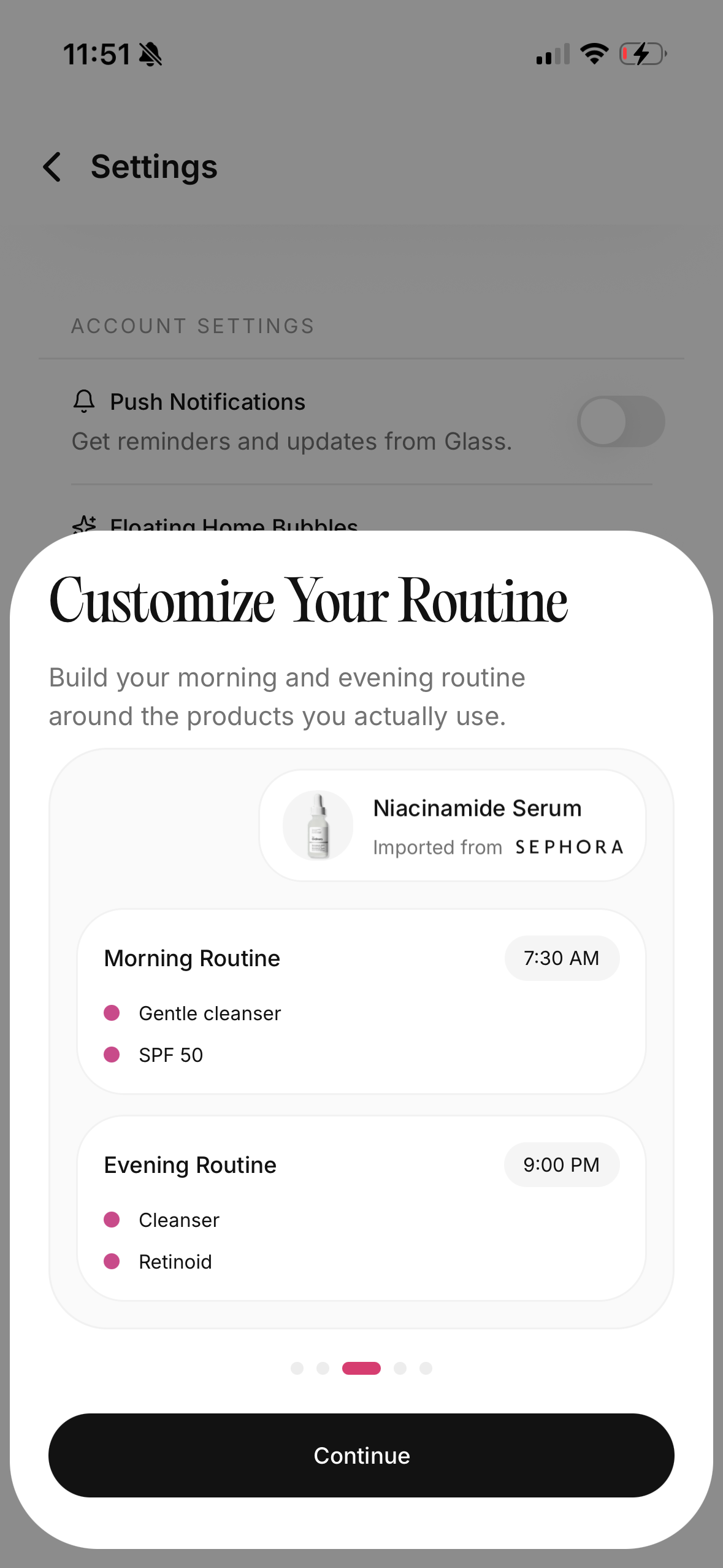 | HadaBuddy | Turning products you own into a usable routine | Product scanner, owned-shelf framing, routine building | More product-organization than deep skin analysis |
 | Qinn | Fast web-style skin read and routine help | Quick scan, product/routine guidance, ingredient scanner framing | Public details are thinner than the bigger app ecosystems |
My practical ranking:
- Best overall: Glass
- Best broad feature set: Lume Skin
- Best for ingredient-heavy users: Skin Bliss
- Best for repeated score tracking: SkinCircle
- Best for organizing owned products: HadaBuddy
- Best lightweight scan-first option: Qinn
What the best app has to do after the selfie
A skin scan can be useful. I do not dismiss it.
The problem is that a scan is only a snapshot. Skin changes because of product use, stress, sleep, hormones, weather, sunscreen, picking, makeup removal, medication, sweat, and consistency. A camera can catch some of the surface. It cannot automatically explain the whole week.
That is why the best app is not simply the one that says “hydration 72” or “texture 63” with the cleanest animation. The best app helps you answer better questions:
- Did I actually follow the routine?
- Did the new product line up with irritation?
- Is my skin worse, or is the lighting worse?
- Did the breakout start before or after I changed cleanser?
- Am I treating the same concern with three overlapping products?
- Do I need a dermatologist, or do I need to stop changing everything every five days?
That last question matters more than people admit.
Skincare apps can accidentally make people more reactive. A new score can make you want a new product. A face map can make you inspect every pore. A routine generator can make a simple problem feel like a complicated project.
I would rather use an app that makes me calmer and more consistent.
Glass is the strongest all-around choice
Glass wins for me because it is built around the full loop, not only the scan.
The useful loop looks like this:
- Scan your skin.
- Log the routine you actually used.
- Track products without turning the shelf into chaos.
- Compare progress over time.
- Notice patterns before changing everything.
- Adjust the routine with context instead of panic.
That shape is better than the classic scanner flow: take selfie, get score, buy product, forget app.
The reason this matters is simple. Most skin problems are not solved by more information alone. They are solved by better sequence and better restraint.
If your skin is irritated, the app should help you see whether you used a strong active too often. If your cheeks are dry but your forehead is oily, the app should not push a one-size routine. If your acne flares after a new sunscreen, the app should help you remember the timing. If your progress is slow, the app should keep you from rewriting the whole routine before anything had time to work.
Glass is strongest for that kind of person.
The person who wants progress, but does not want skincare to become a second job.
It also fits people who already know the danger of overreacting. If one bad skin day makes you want to order three new products, you do not need a more dramatic score. You need a quieter record of what actually happened.
For adjacent reading, the best skincare app comparison, best AI skin analysis app guide, and best skincare progress tracker apps go deeper into the neighboring lanes.
Lume Skin is the broad toolbox pick
Lume Skin is the one I would look at if I wanted the widest feature set in one place.
It currently presents itself around instant AI skin analysis, an ingredient scanner, product safety checks, progress tracking, AI chat, custom morning and evening routines, and reminders. That is a lot of utility in one app.
For the right user, breadth is good.
If you want to scan your face, check a product, ask a quick skin question, and keep a routine reminder in the same place, Lume makes sense. It also does a good job making the category easy to understand quickly. The promise is clear: scan, get a routine, track changes, check products.
Where I would be careful is focus.
When an app has every skincare feature, I want to know whether it will still feel calm on a bad skin week. More tools can mean more control. They can also mean more chances to overthink.
I would choose Lume if your main complaint is, “I want one app that does a lot.”
I would choose Glass if your main complaint is, “I need help staying consistent and understanding what changed.”
Those are close, but they are not the same.
Skin Bliss is best when products are the mess
Skin Bliss is strongest when your routine has become a product problem.
You own too many things. You forgot which serum does what. You are not sure whether two products overlap. You want ingredient context, but you do not want to spend your night decoding labels.
That is where Skin Bliss earns attention.
Its public positioning is very product-aware: face scanning, shelf scanning, ingredient checks, routine building, product matching, and progress tracking. It also speaks directly to people who want more ingredient logic without brand noise.
That can be genuinely useful.
Some people do not need another motivational tracker. They need a product system that tells them, “This routine is crowded,” or “These actives are stepping on each other,” or “This product is not the missing piece you think it is.”
The risk is density.
If you are a beginner with reactive skin, too much information can become another source of stress. You might start treating every ingredient like a threat. You might keep rebuilding the routine because the app gives you more ways to analyze it.
I would use Skin Bliss when the product shelf is the main problem.
I would use Glass when the routine behavior and skin progress are the main problem.
SkinCircle is for people who want data
SkinCircle is the most tracking-minded option in this group.
Its positioning is built around computer vision, repeated metrics, daily progress tracking, routine logging, and correlations between products and skin scores. That is a very specific promise: stop relying on memory and look at trends.
I like that idea.
Memory is terrible at skincare. You remember the breakout. You forget the three skipped nights. You remember the new serum. You forget the sunscreen you started the same week. You remember one good mirror moment. You forget the lighting was completely different.
Tracking can help.
But score-heavy tracking needs discipline. If a number makes you anxious, you will not use the app well. You will start chasing the score instead of building the routine.
I would choose SkinCircle if you enjoy data and can treat skin scores as trend signals, not verdicts. If you know a low number will ruin your morning, pick a calmer system.
HadaBuddy is better for the shelf than the face
HadaBuddy has a practical lane: scan products, understand what you own, and build a routine from the shelf in front of you.
That is useful because a lot of skincare frustration starts with product clutter. People buy a cleanser, two serums, a moisturizer, a sunscreen, a mask, a toner, and then realize they do not know what order any of it belongs in.
An app that helps turn owned products into a routine can save money and reduce waste.
I would not treat HadaBuddy as the deepest skin analysis option here. I would treat it as a product-organization and routine-building helper. That is still valuable. It just solves a different pain.
If your bathroom shelf is the mess, start here or with Skin Bliss.
If your skin progress is the mess, start with Glass.
Qinn is the light scan-first option
Qinn looks like the lightweight lane: quick scan, guided read, routine suggestions, and ingredient-scanner direction without the heavier app ecosystem feel.
That can be appealing.
Not everyone wants a giant skincare operating system. Some people want to scan, get a read, and move on. If the experience is fast and low-friction, that can be enough for a casual user.
The limitation is proof depth. When an app gives fewer public details, I would be more cautious about trusting it as the center of a serious routine. That does not make it bad. It just means I would use it for light guidance before I used it for deeper tracking.
For sensitive, acne-prone, or medically complicated skin, I would want more context and clearer guardrails.
The privacy question is not optional
Face data is personal.
A skin app may collect photos, skin concerns, product history, routine habits, subscription data, device identifiers, or health-adjacent notes. Even when a company uses careful language, you should still read the privacy details before uploading your face.
I would ask five questions before using any AI skin analysis app:
- Can I delete my photos and account data?
- Does the app explain whether processing happens on-device, in the cloud, or both?
- Does it say whether face images are used to train models?
- Does it connect skin data to advertising or third-party tracking?
- Would I still feel comfortable if the app knew my skin history six months from now?
If the answer feels unclear, slow down.
A good skincare app should make privacy feel understandable, not buried.
What a skin scan can and cannot tell you
A skin scan can help you notice visible changes. It can make progress easier to compare. It can give you a structured way to think about texture, redness, pores, oiliness, dullness, dark spots, or acne patterns.
That is helpful.
But it is not a dermatologist.
Mayo Clinic notes that acne can include whiteheads, blackheads, papules, pustules, nodules, and cystic lesions, and that persistent or severe acne may need care from a dermatologist. That distinction matters. A beauty app can help you track and organize. It should not replace medical judgment when the skin is painful, scarring, spreading, infected-looking, or suddenly changing.
The American Academy of Dermatology also keeps the basic routine advice grounded: gentle cleansing, moisturizer when needed, and sunscreen matter more than most people want to admit. Even during stronger acne treatment, dermatologists emphasize gentle cleanser, non-comedogenic moisturizer, and broad-spectrum SPF.
That is why I trust apps more when they make the boring basics easier.
Not when they make the routine louder.
The decision tree I would use
Pick based on your actual bottleneck.
If you keep changing products too fast, choose Glass.
If you want one app with scanning, chat, ingredients, routines, and reminders, choose Lume Skin.
If your product shelf is confusing and ingredient-heavy, choose Skin Bliss.
If you want daily metric tracking and product-score correlations, choose SkinCircle.
If you want to scan what you already own and turn it into a routine, choose HadaBuddy.
If you want a quick lightweight scan without committing to a bigger system, try Qinn.
The wrong choice is not the app with fewer features.
The wrong choice is the app that makes your real problem worse.
If you already overthink your skin, avoid the app that gives you ten new things to overthink. If you ignore your routine, avoid the app that only gives you product trivia. If you buy too much, avoid the app that turns every scan into a shopping moment. If your acne is painful or scarring, do not let any app delay medical care.
How I would test one for two weeks
I would not judge an AI skin analysis app from the first scan.
I would run a simple two-week test:
- Take the first scan in normal lighting.
- Log the routine exactly as used.
- Do not add more than one new product.
- Take progress photos in the same place once or twice a week.
- Note irritation, tightness, oiliness, new breakouts, and skipped steps.
- At the end, ask whether the app made decisions calmer.
That last question is the whole point.
Did it help you stay steady? Did it help you notice a pattern? Did it stop you from guessing? Did it make the routine easier to repeat?
If yes, keep it.
If it only made you stare at your face more, delete it.
The bottom line
The best AI skin analysis app in May 2026 is not the one with the most dramatic score. It is the one that helps you make better decisions after the scan.
For most people, that means Glass. It connects the parts that actually matter: skin analysis, routine tracking, product context, reminders, and progress over time.
Lume Skin is strong if you want breadth. Skin Bliss is strong if products and ingredients are the mess. SkinCircle is strong if you want data. HadaBuddy is useful if your shelf needs structure. Qinn is worth a look if you want a lighter scan-first option.
But whichever app you choose, use it as a steady mirror, not a judge.
The goal is not to collect more skin data.
The goal is to stop guessing.
Useful references: Mayo Clinic on acne symptoms and when to seek care, American Academy of Dermatology acne-prone skin resources, AAD skin care while taking isotretinoin, Lume Skin, Skin Bliss, and SkinCircle.
