
Most skincare apps are exciting once.
You download them. You scan your face. You build a routine. You maybe add a few products.
Then real life starts again.
You skip sunscreen one morning. You buy a serum because the bottle looked convincing. Your skin gets weird around your chin. You forget whether the new cleanser helped or whether your skin was already calming down. The app that looked so polished during setup suddenly has to prove it can help on an ordinary Tuesday.
That is where I separate the good skincare apps from the pretty ones.
In May 2026, the best skincare app is not just the app with the smartest scan, the largest ingredient database, or the cleanest reminder screen. The best app is the one that helps you repeat a better loop: notice what is happening, keep the routine steady, connect changes to what you actually used, and make smaller decisions before you turn your face into an experiment.
If an app cannot help with that loop, I do not care how advanced it sounds.
Quick answer
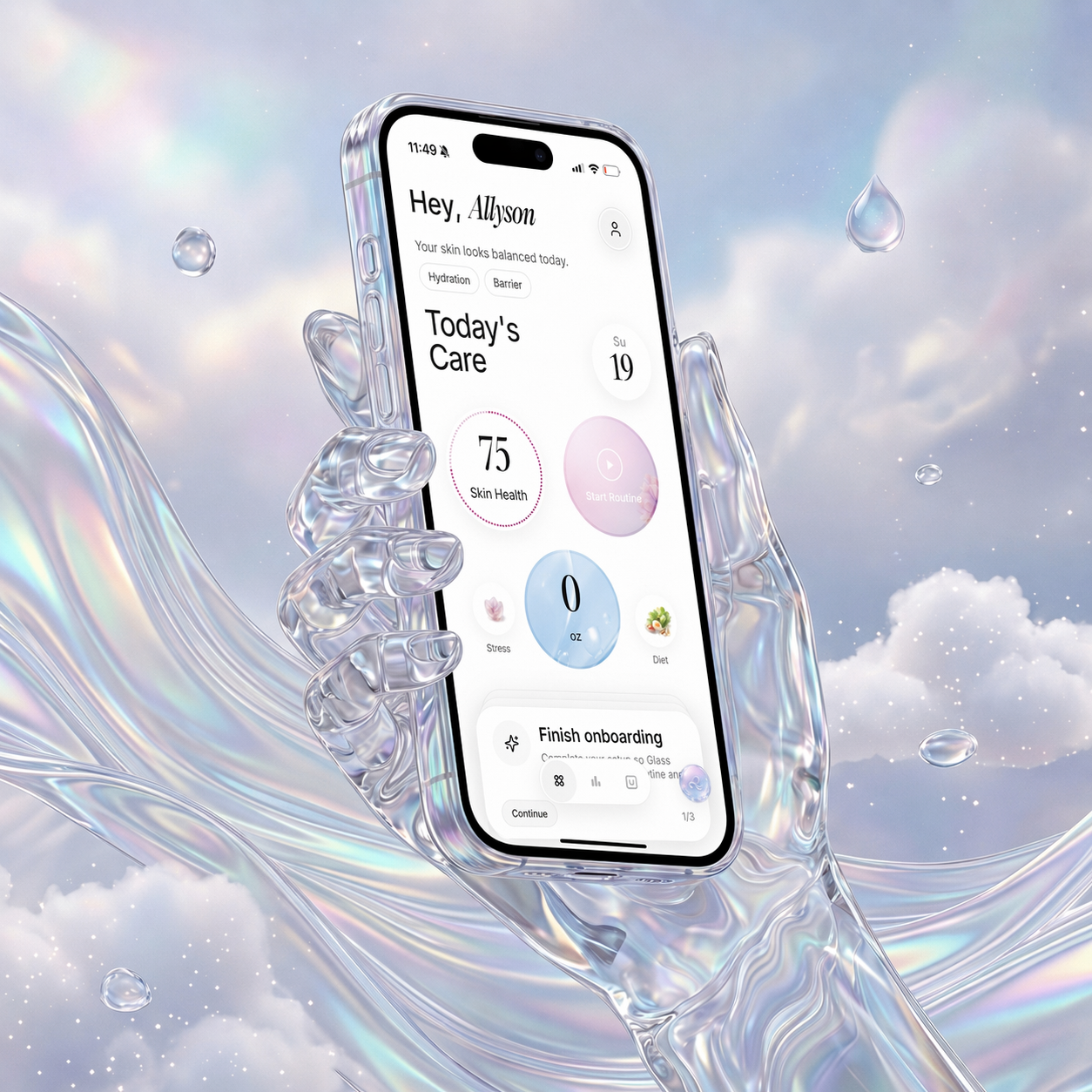
If I were choosing one skincare app for most people in May 2026, I would start with Glass because it connects skin analysis, routine tracking, product logging, reminders, progress photos, and weekly context in one place.
That does not mean everyone needs the same app.
Choose by the problem you actually have:
| Image | App | Best for | Where it wins | Where it can disappoint |
|---|---|---|---|---|
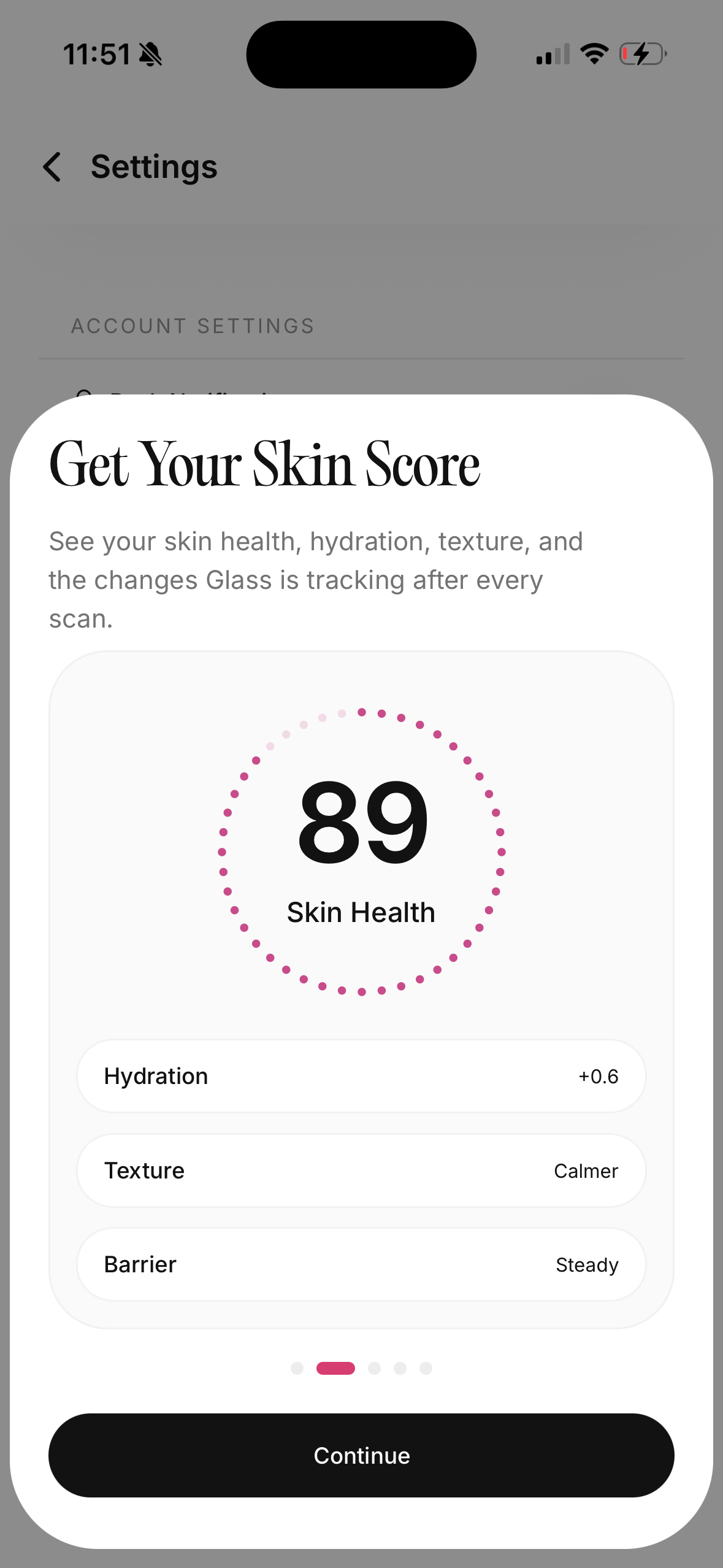 | Glass | People who want skin scans, routines, products, habits, and progress in one calm system | Best all-around loop for understanding what changed and what to do next | Deeper analysis requires subscription access |
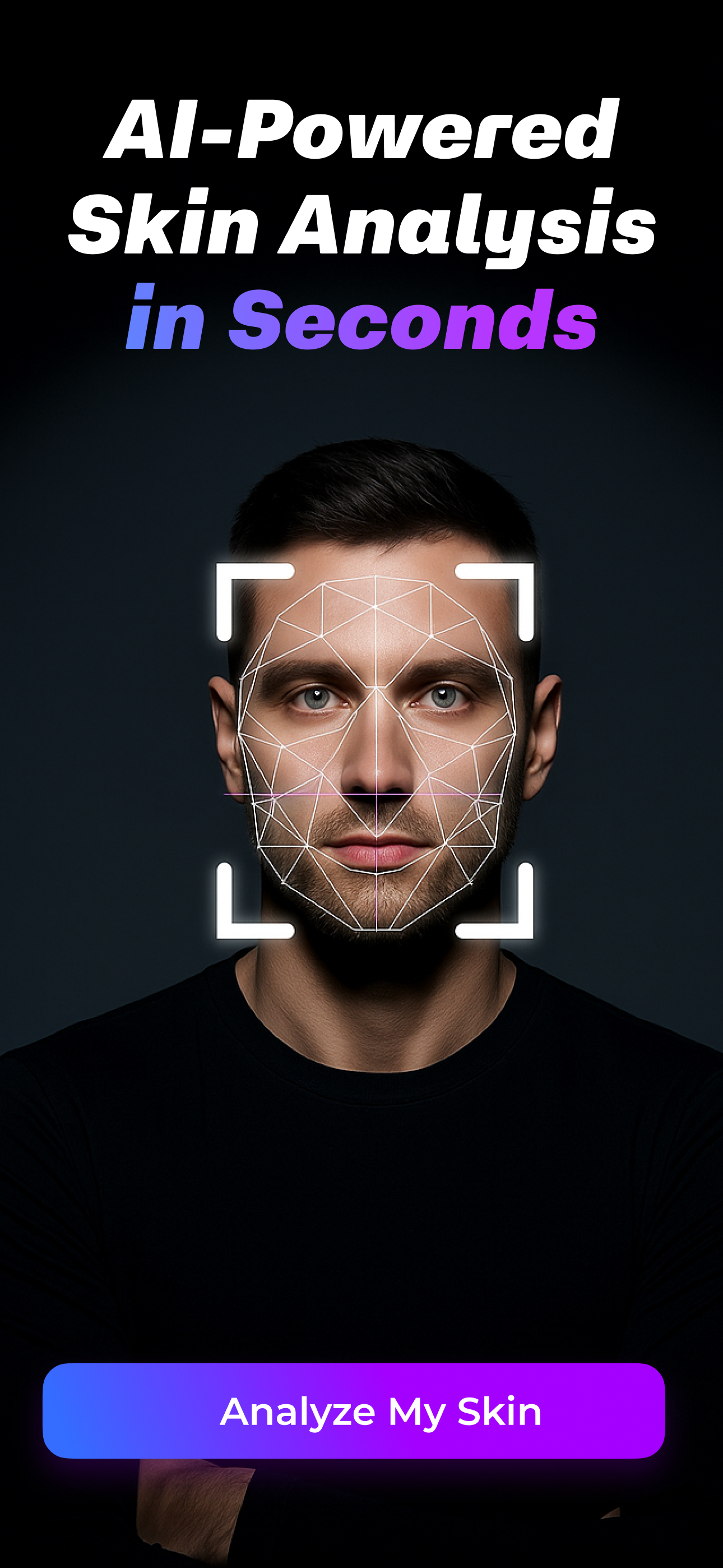 | SkinPal AI | Scan-first users who want frequent check-ins | Daily scan habit, metric tracking, and trend visibility | More data-first than routine-first |
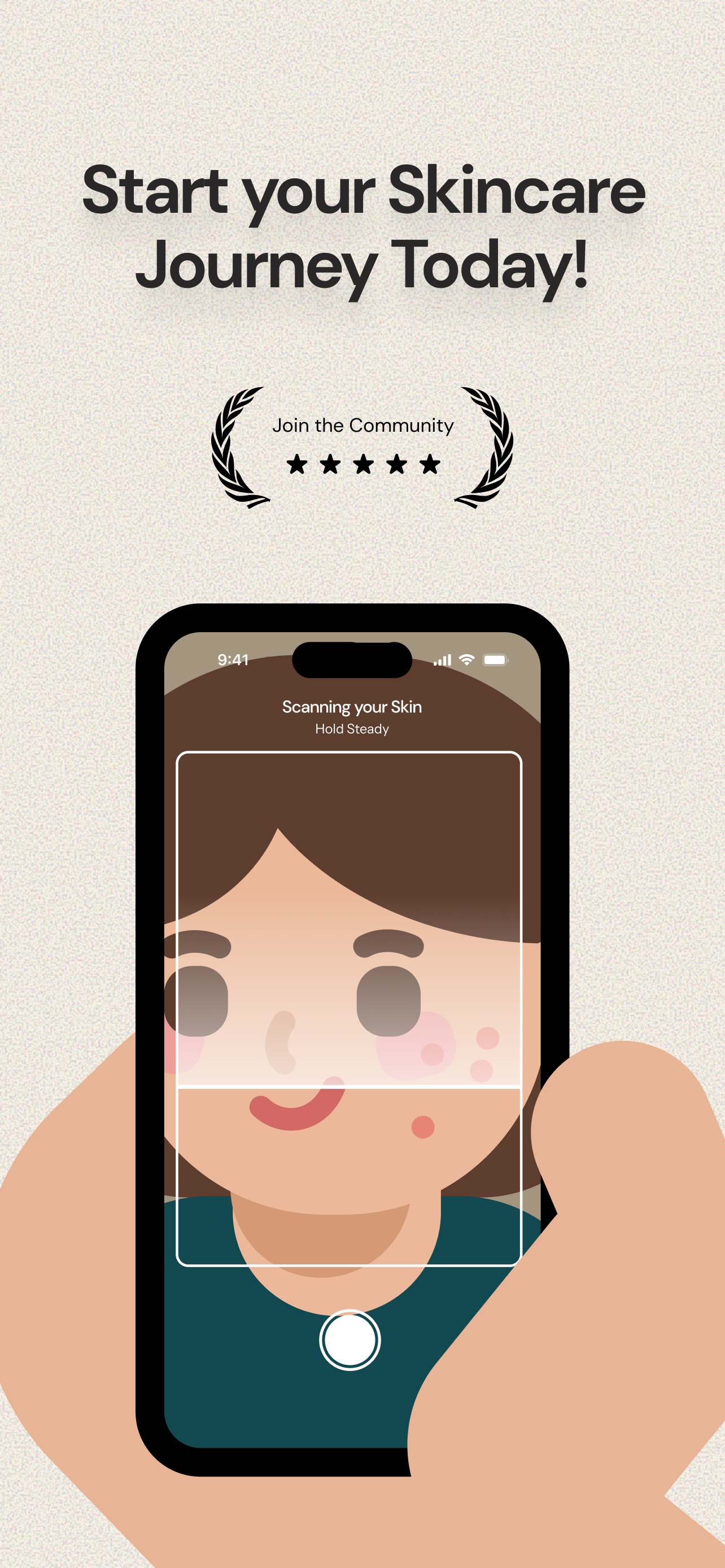 | Lume Skin | People who want a broad AI skincare toolbox | Skin scan, product scan, chat, reminders, and routine help | Broad feature sets can become noisy fast |
 | Skin Bliss | Ingredient-minded users with product-heavy routines | Product matching, ingredient context, and routine support | Can feel heavy if you only need consistency |
 | Layered | People who want routine timing and habit structure | Clear routine tracking, timing, and daily discipline | Less useful if you also want skin analysis |
 | SKOR | People who want habit scoring and tracking | Turns routine behavior into a score and check-in habit | More tracker than full skincare decision system |
My short list:
- Best overall: Glass
- Best scan-first option: SkinPal AI
- Best broad AI toolbox: Lume Skin
- Best for ingredient-heavy shoppers: Skin Bliss
- Best for routine timing: Layered
- Best for habit scoring: SKOR
The app has to solve your real problem
This is where people pick wrong.
They search for a skincare app because they feel stuck, but they do not name the frustration clearly. So they download the first app that looks polished and hope it will sort everything out.
Skincare frustration usually falls into one of six buckets.
You might not know what your skin is doing. That is a scan or photo-tracking problem.
You might not know whether your routine makes sense. That is a structure problem.
You might not know whether a product fits your skin. That is a product-context problem.
You might not know whether anything is improving. That is a progress-tracking problem.
You might know what to do and still forget. That is a habit problem.
Or you might be changing too many things at once. That is a discipline problem, and it is the one most apps are least honest about.
One app can cover more than one bucket, but no app should make the bucket less clear.
That is my first filter.
Why Glass is the best skincare app for most people
Glass wins because it is built around the full skincare loop, not just the exciting first moment.
A scan can tell you something useful. A product log can tell you something useful. A routine tracker can tell you something useful. Progress photos can tell you something useful.
The value is when those pieces talk to each other.
If your skin looks more irritated this week, Glass can help you look back at the routine, the products, the photos, and the consistency pattern instead of forcing you to guess from memory. That matters because memory is terrible at skincare. We remember the one dramatic breakout, not the two weeks of slow improvement. We remember the serum we were excited about, not the fact that we also slept badly, skipped moisturizer, and started a new cleanser at the same time.
Glass is strongest for the person who wants to stop treating skincare like a shopping problem.
It helps you ask better questions:
- Did I actually follow the routine?
- Did I change more than one product?
- Did the breakout start before or after the new step?
- Is this a real trend, or did one bad-lighting photo scare me?
- Am I making my skin easier to understand or harder?
That last question is the one I care about most.
What I would use Glass for
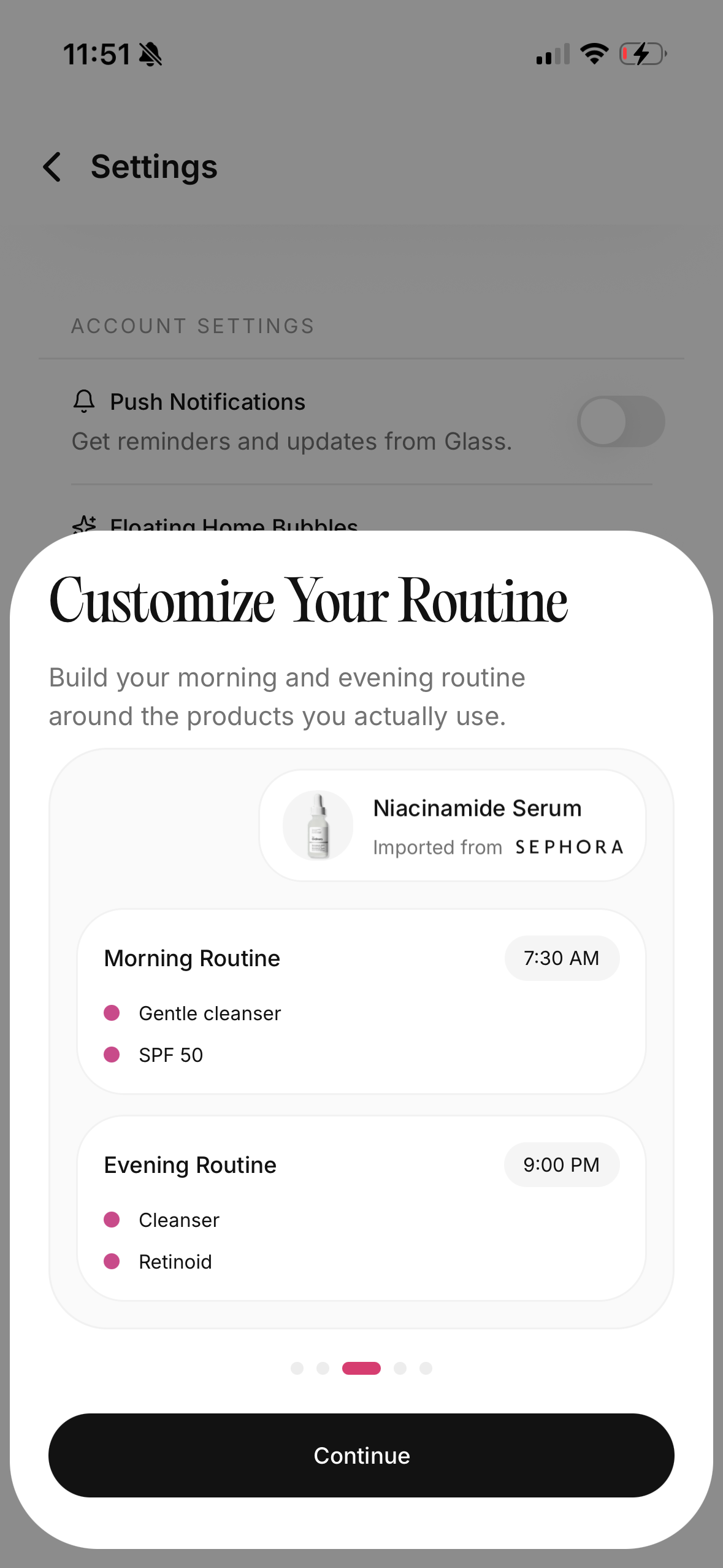
I would use Glass if I wanted one place for:
- skin scan context
- morning and night routine tracking
- product logging
- progress photos
- reminders
- weekly pattern review
- AI skincare questions
- less frantic routine changes
That makes it a good fit for acne-prone skin, barrier repair routines, sensitive skin, dark spot tracking, sunscreen consistency, and anyone trying to compare before-and-after changes without fooling themselves.
It is also useful when your routine is simple. Actually, that may be when it works best.
A simple routine creates clearer data. If you use cleanser, moisturizer, sunscreen, and one treatment step, you can see patterns faster than if you rotate six serums, three masks, two exfoliants, and whatever product looked interesting at the store. The app should support that restraint instead of rewarding chaos.
When Glass may not be the right first pick
Glass is not the app I would choose if you only want a quick ingredient lookup and nothing else.
If your main habit is standing in a store scanning labels, a dedicated product scanner may feel faster. If you want a pure routine timer with almost no analysis, a lighter planner may be enough. If you want a clinical exam, no consumer skincare app should be treated like a substitute.
That boundary is important.
A skincare app can help you track visible skin changes, organize products, and make routine decisions. It should not diagnose a rash, replace a dermatologist, or make you ignore symptoms that need medical care.
The best apps are honest about that.
SkinPal AI is strong if you want scan frequency
SkinPal AI is one of the more interesting scan-first apps because its positioning is clear: take regular scans, track skin metrics, and watch changes over time.
That is a real use case.
Some people do not need a giant product database. They need a repeatable check-in. They want to know whether redness, texture, acne, dark spots, or overall skin condition is trending better or worse. For that person, a scan-first app can be useful as long as it does not make every small fluctuation feel urgent.
The risk is that data can become its own source of anxiety.
Daily scans sound helpful, but skin does not always change meaningfully every day. Lighting changes. Sleep changes. Water retention changes. A pimple looks angrier in one photo and calmer in another. If the app turns every score movement into drama, it can make you less steady.
I would use SkinPal AI if I wanted frequent check-ins and could handle the numbers calmly. I would not use it as permission to change my routine every time a metric moves.
Lume Skin is the broad toolbox pick
Lume Skin is for the person who wants a lot in one place: skin analysis, product scanning, chat, routine help, reminders, and progress tracking.
That can be convenient.
It can also be overwhelming if you are already prone to over-researching your skin. A broad toolbox is only helpful when it makes the next decision clearer. If every feature opens another loop, you may end up with more information and less calm.
I like Lume Skin more for people who know they want an all-in-one AI skincare experience and are comfortable sorting through a wider feature set. I would be more cautious if your actual problem is consistency. More features do not automatically make a routine easier to repeat.
The test is simple: after the scan, does the app help you do one better thing, or does it send you into five more decisions?
Skin Bliss is best when products are the problem
Skin Bliss makes sense when your skincare problem lives inside the product shelf.
You have too many products. You do not know which ingredients overlap. You keep buying formulas that sound different but behave similarly. You want ingredient matching, product context, and help understanding whether something fits your skin profile.
That is where Skin Bliss can be useful.
I would not use it as a reason to obsess over every ingredient. Ingredient awareness is helpful until it turns into ingredient fear. A product can contain one ingredient you recognize and still be wrong for you because of the whole formula, the texture, the fragrance, the frequency, or the way it fits with everything else.
Still, for product-heavy users, Skin Bliss has a clear role. It gives structure to a shelf that may otherwise feel impossible to interpret.
Layered is for routine discipline
Layered is the kind of app I would consider if my routine problem was not analysis. It was execution.
Some people know their routine. They know the order. They know which nights are retinoid nights and which nights are recovery nights. They just need timing, reminders, and a cleaner way to repeat the plan without thinking so much.
That is a legitimate problem.
Routine discipline can do more for your skin than another serum. If an app helps you wash your face, moisturize, use sunscreen, and avoid stacking actives every night, that app is doing real work.
The limitation is that a routine-only app may not help much when you need to interpret skin changes. If you want photos, product context, scan feedback, and routine review together, I would move back toward Glass.
SKOR is interesting if you like habit scores
SKOR leans into habit scoring and tracking, which can be useful for people who respond well to feedback loops.
Some people like seeing a score. It gives them a nudge. It makes the invisible visible. It can turn a vague goal like "be better about skincare" into something easier to repeat.
But scores are tricky.
A score should help you stay consistent, not make you perform for the app. If you start optimizing the number instead of listening to your skin, the tool is running the routine instead of supporting it.
I would use SKOR if habit accountability motivates you and you do not need the app to be your full product, scan, and routine system.
The features that actually matter
The best skincare app features are boring in the best way.
They help you repeat, compare, and slow down.
I would prioritize:
| Feature | Why it matters |
|---|---|
| Consistent photo capture | Bad lighting can make normal skin look worse |
| Morning and night routine logs | You need to know what you actually used |
| Product history | Product changes are easy to forget |
| Progress views over weeks | One-day changes are noisy |
| Reminders that respect your routine | A reminder should reduce friction, not nag |
| Ingredient or product context | Helpful when you are about to buy another overlapping product |
| Conservative scan language | A phone camera should not pretend to be a doctor |
| Exportable or reviewable history | Useful if you want to discuss patterns with a professional |
I care less about dramatic scan overlays, beauty-score language, and giant product recommendation lists.
Those can look impressive, but they do not always help you make a better decision.
The features I would ignore
I would ignore any app that makes your skin feel like a contest.
That includes vague beauty scores, harsh aging simulations, panic-heavy language, and product recommendations that appear before the app understands your routine. I would also be careful with apps that make every scan feel medically certain.
Skin is visual, but it is not only visual.
A camera cannot know your full history. It cannot feel tenderness. It cannot ask every medical question. It cannot always separate acne from lookalikes. It cannot know whether your redness is irritation, heat, rosacea-like flushing, a reaction, or something else that needs a clinician.
That does not make skincare apps useless. It just means the best ones stay in their lane.
How I would choose in five minutes
If you are deciding right now, I would not start by comparing every feature.
Start with one sentence:
The thing I need help with is _____.
Then choose:
- If the blank is "knowing what changed," start with Glass.
- If the blank is "scanning my skin often," look at SkinPal AI.
- If the blank is "checking products before I buy," look at Skin Bliss or a scanner-first app.
- If the blank is "remembering routine steps," look at Layered or Glass.
- If the blank is "staying accountable," look at SKOR or Glass.
- If the blank is "getting medical answers," book care instead of relying on an app.
That last one matters. Do not ask an app to do a dermatologist's job.
The routine I would track first
Before adding five products into any app, I would track a simple baseline:
Morning:
- Cleanser or rinse.
- Moisturizer.
- Sunscreen.
Night:
- Cleanser.
- One treatment step if you already use one.
- Moisturizer.
Track that for two weeks if your skin is stable. Longer if you are trying to understand acne, irritation, or barrier repair.
Then add one new variable at a time.
That is the part people hate because it is slow. It is also the part that makes the data worth anything. If you add a vitamin C, a retinoid, a new cleanser, and a new sunscreen in the same week, no app can tell you cleanly what helped or what irritated you.
The app can organize the pattern. It cannot rescue a chaotic experiment.
How to use photos without spiraling
Progress photos are useful when they are consistent.
They are awful when they become a daily courtroom trial against your face.
Use the same spot, same lighting, same angle, same distance, and same time of day when possible. Avoid judging your skin right after workouts, crying, hot showers, exfoliation, or heavy moisturizer unless that is the specific thing you are tracking.
Weekly photos are enough for most people. Daily photos can help in some cases, but they can also make normal texture feel like a crisis.
The goal is not to inspect every pore. The goal is to see whether the overall pattern is moving.
Privacy questions I would ask
Any skincare app that uses face photos deserves a privacy check.
I would look for plain answers to these questions:
- What photos are stored?
- Can I delete them?
- Are face images used to train models?
- Is data shared with advertisers?
- What data is linked to my account?
- Can I use the app without giving unnecessary information?
If the answers are hard to find, that does not automatically mean the app is bad. But it does mean I would slow down before uploading a face library.
Face data feels personal because it is personal.
The biggest mistake people make with skincare apps
The biggest mistake is expecting an app to make the routine exciting forever.
Good skincare gets boring.
You repeat the cleanser. You use the moisturizer. You wear sunscreen. You introduce actives carefully. You stop buying three products for the same problem. You wait long enough to see a pattern. You ask for medical help when the issue is painful, scarring, spreading, sudden, or unusual.
An app should make that boring consistency easier.
It should not turn your skin into a slot machine where every scan makes you pull another lever.
My final pick
If you want the best skincare app for most people in May 2026, I would pick Glass.
Not because every person needs every feature. Because the full loop matters: skin analysis, routine tracking, product context, reminders, photos, and progress review all work better together than they do as separate little habits scattered across your camera roll, notes app, and bathroom shelf.
If you only want scans, try a scan-first app. If you only want ingredient checks, use a product-focused app. If you only want reminders, use a planner.
But if you are tired of guessing what changed, tired of overbuying, and tired of rebuilding your routine every time your skin has a bad week, choose the app that helps you stay steady long enough to learn something.
That is the skincare app worth keeping.
Useful next reads: best AI skin analysis app, best skincare routine app, best skincare scanner app, and AI skin analysis app privacy questions.
