Most skin analysis apps start with the same promise.
Take a photo. Get a score. Fix your skin.
That sounds clean. It rarely feels that clean when you are the person standing in the bathroom with three half-used serums, a cleanser that suddenly feels too stripping, and a breakout that may or may not be from the thing you added last week.
The better app is not always the one with the loudest face scan. It is the one that helps you make fewer impulsive changes.
That is the difference I care about in May 2026.
The quick answer
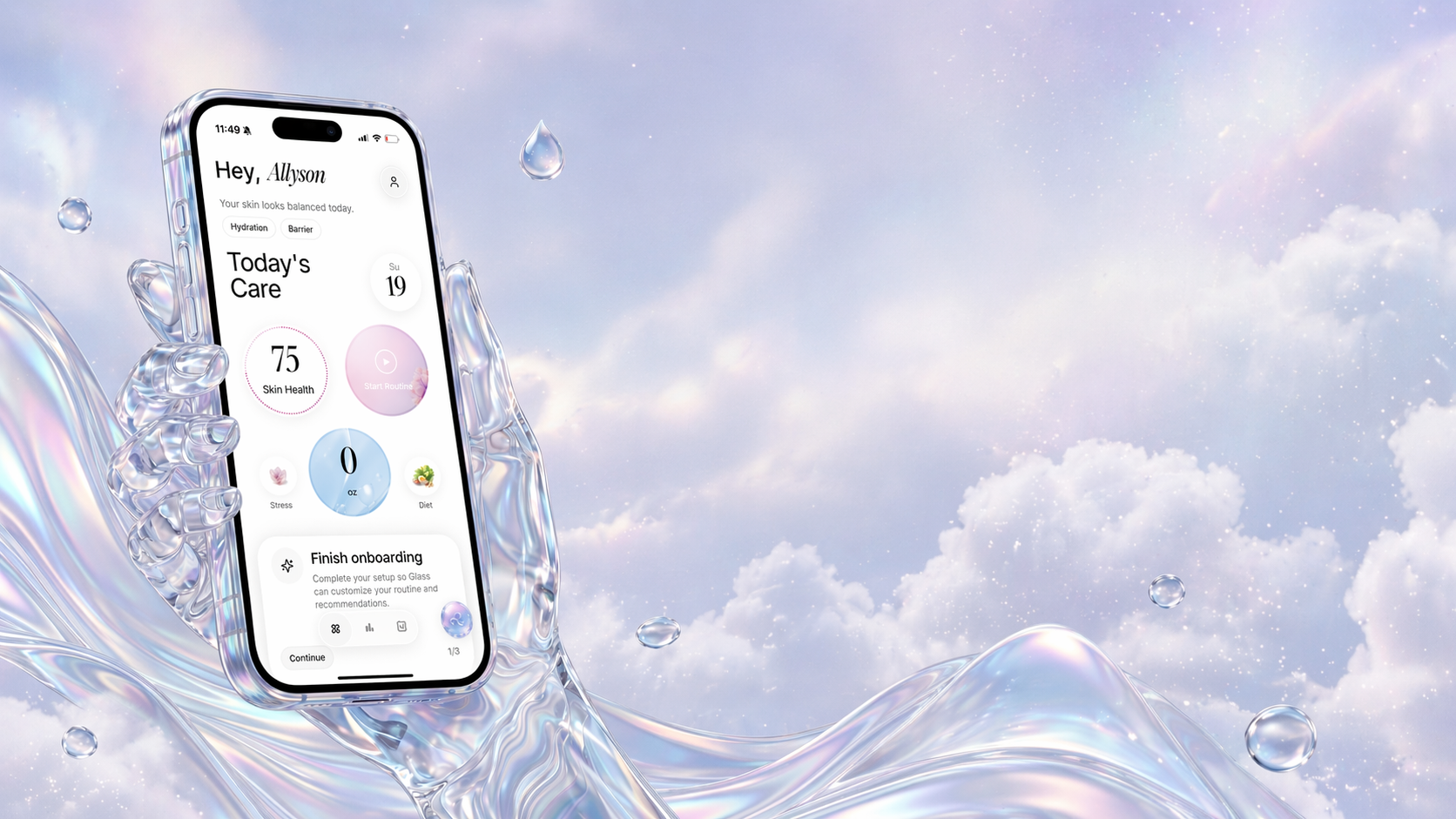
If you want a skin analysis app that helps beyond the first scan, I would start with Glass. It connects skin scores, routine tracking, product logging, progress photos, reminders, and day-to-day context in one place. That makes it better for the real problem: understanding what changed and staying consistent long enough to learn from it.
If you want the broadest feature set, Skin Bliss and Lume Skin are strong. If you want a shopping-first product scanner, OnSkin and SkinSort make sense. If you want a newer K-beauty flavored routine and scanner app, Dewytime is worth watching.
But I would not choose only by feature count. A crowded app can make a crowded routine worse.
The apps I would actually compare
| App | Best for | Where it helps most | What I would watch |
|---|---|---|---|
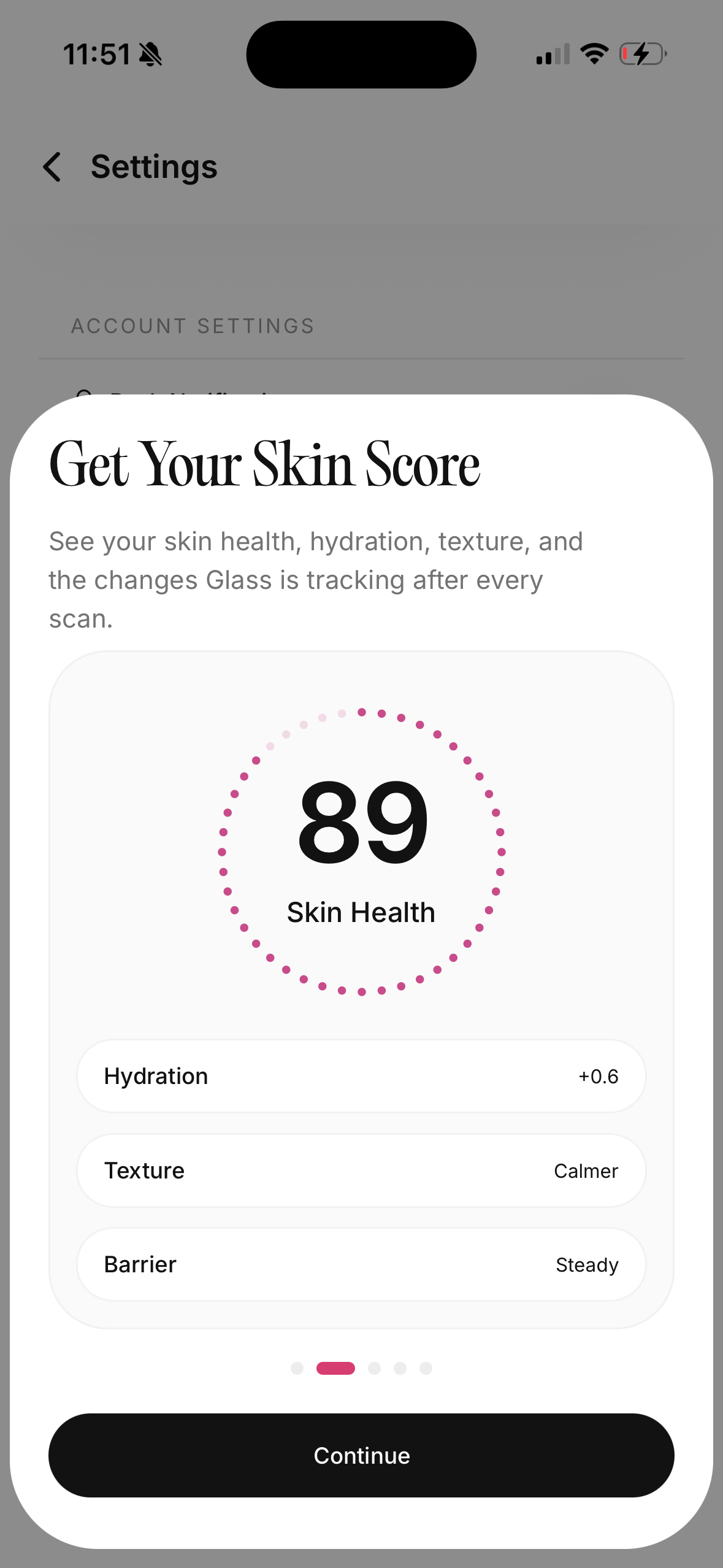 | Glass | Skin analysis tied to routines, progress, products, reminders, and habit context | Some deeper guidance is most useful when you commit to tracking consistently |
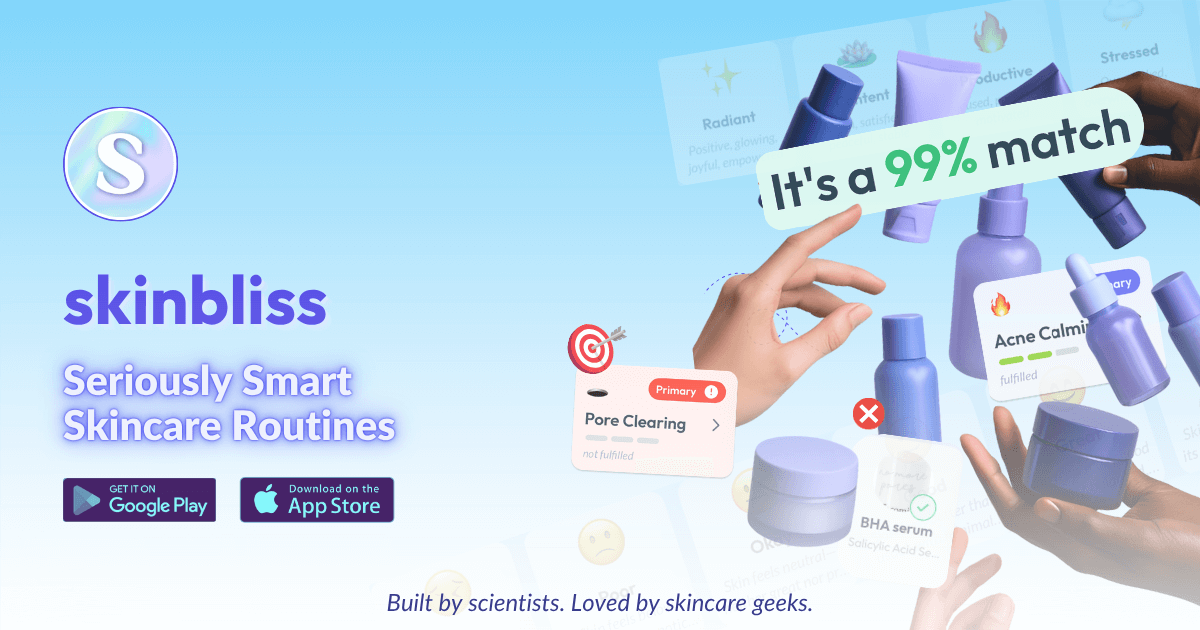 | Skin Bliss | Ingredient-heavy users who want face scanning, shelf review, routine building, and progress tracking | The feature depth can feel like a lot if you only need a calmer daily routine |
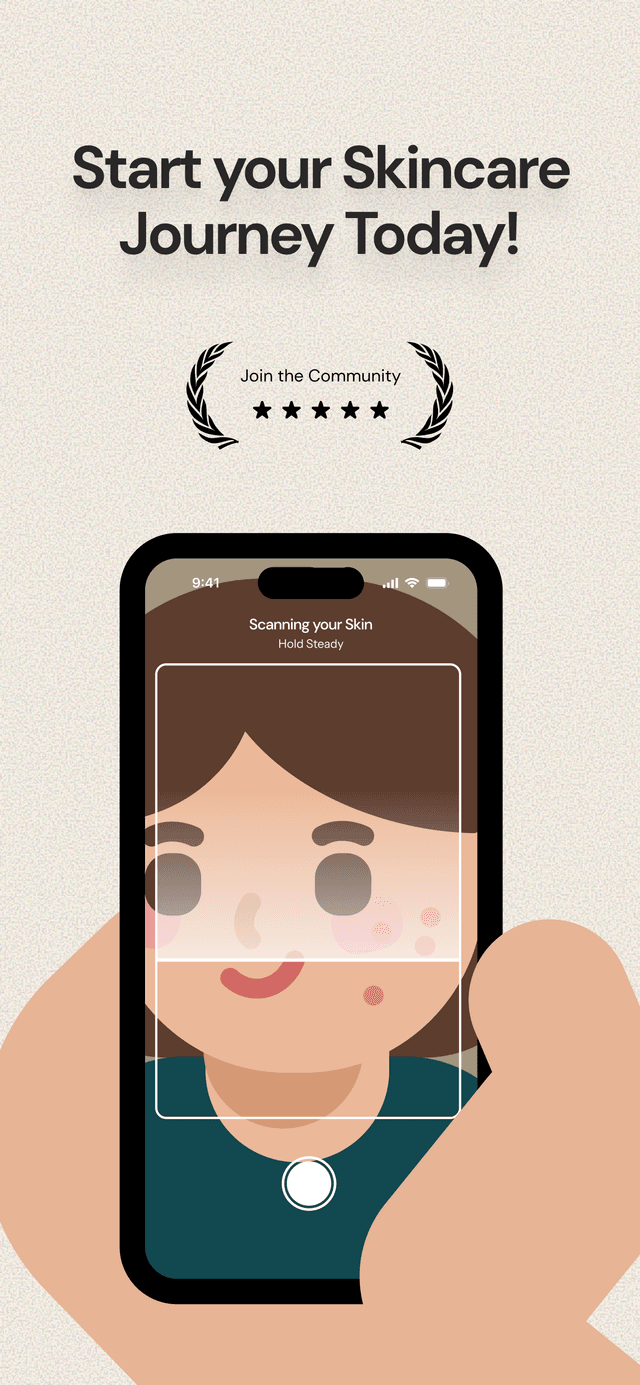 | Lume Skin | People who want skin scanning, product scanning, AI chat, routines, reminders, and progress in one broad app | A wide promise set still needs discipline from the user |
 | OnSkin | Product scanning, ingredient checking, and quick product-fit decisions | More shopping-first than routine-behavior-first |
 | SkinSort | Ingredient comparison, product filters, routine tracking, and product research | Great for research-minded users, less ideal if research makes you overthink |
 | Dewytime | Product scans, AM/PM routines, skin diary, scores for acne, texture, redness, and dark spots | Newer app, so I would watch how the catalog and tracking mature |
A good skin analysis app should make you calmer
The first scan is not the hard part.
The hard part is what happens after the scan tells you your skin is dry, dull, congested, oily, red, textured, or uneven. Most people do not need another reason to panic-buy. They need a way to decide what to keep steady, what to change, and what to ignore for now.
That is where many apps fall apart. They can describe a face. They can score a concern. They can recommend products. But they do not always help you build a routine that survives normal life.
Normal life matters.
You forget sunscreen one weekend. You sleep badly. Your period shifts. You add a vitamin C serum and a new moisturizer in the same week. Your skin looks better in one light and worse in another. Then you start wondering if the scan is wrong, the serum is wrong, or your face is just having a week.
The best app gives you a place to slow that down.
What I would look for before downloading
I would judge every skin analysis app on five questions.
First, does it connect the scan to the routine? A skin score is useful only if it helps you decide what to do next. If the app says your skin looks irritated but has no way to connect that to your cleanser, exfoliation frequency, missed moisturizer, or active ingredients, the score becomes decoration.
Second, does it help you track changes without making you obsessive? Progress photos are useful when lighting, timing, and angle stay consistent. They become stressful when you start checking every pore every morning. The app should encourage pattern recognition, not daily panic.
Third, does it make product decisions more specific? A scanner that only says "good" or "bad" can be too blunt. You want to know whether a product fits your skin, your existing routine, and the concern you are working on right now.
Fourth, does the daily flow feel lightweight? If opening the app feels like homework, you will stop using it before the data becomes useful.
Fifth, does it know when to stay in its lane? A skincare app can help track visible changes, routines, products, and habits. It should not make you feel like you can skip professional care for painful, spreading, changing, or medically concerning skin issues.
Why Glass is the one I would start with
Glass is strongest because it is built around the loop most people actually need.
Scan. Build the routine. Track the routine. Log products. Watch progress. Notice the pattern. Adjust with less guessing.
That sounds simple, but it solves a very specific skincare problem. People usually do not fail because they lack product options. They fail because they change too many variables at once and then cannot remember what happened.
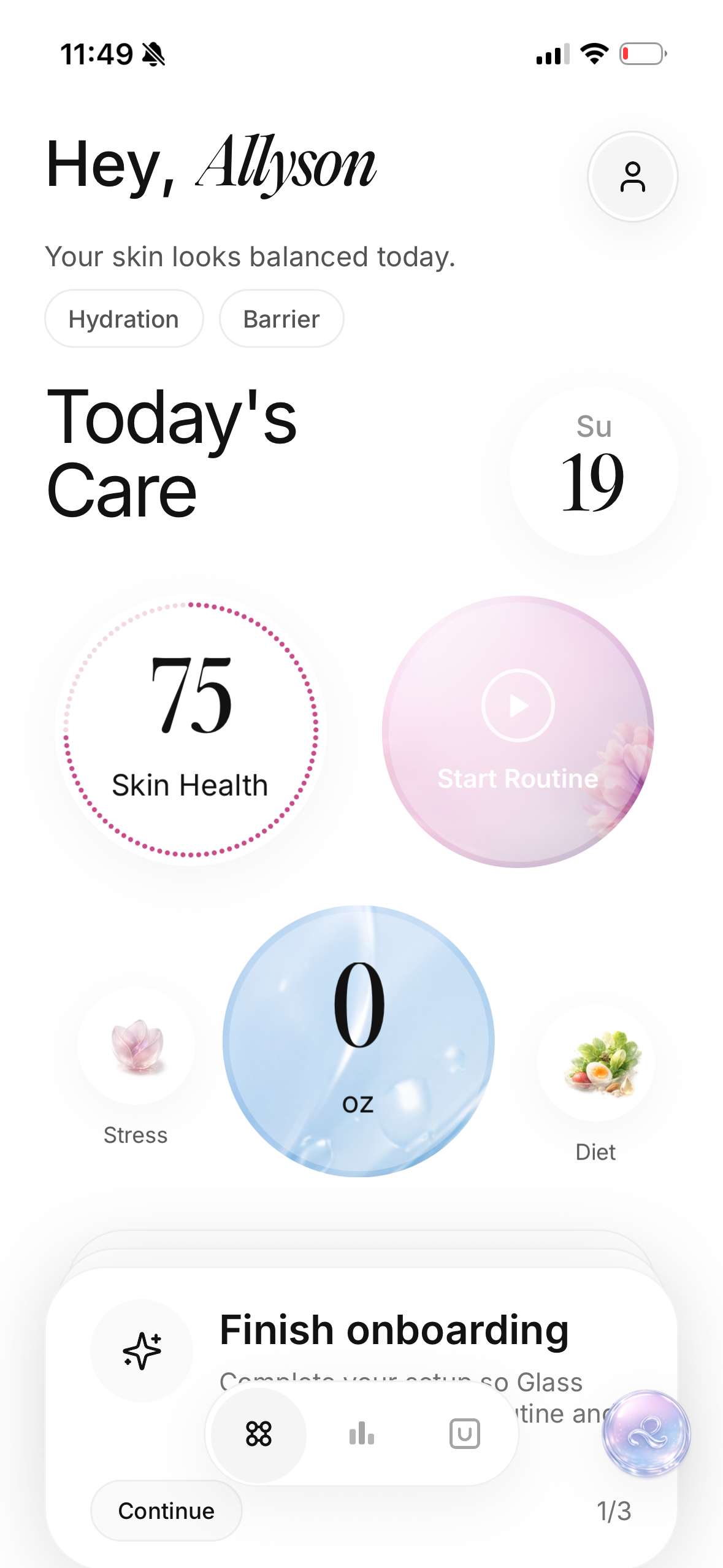
Glass gives the scan somewhere to live. Your skin score is not floating by itself. It sits near your routine, your product choices, your progress, and the small daily inputs that can make skin look different from week to week.
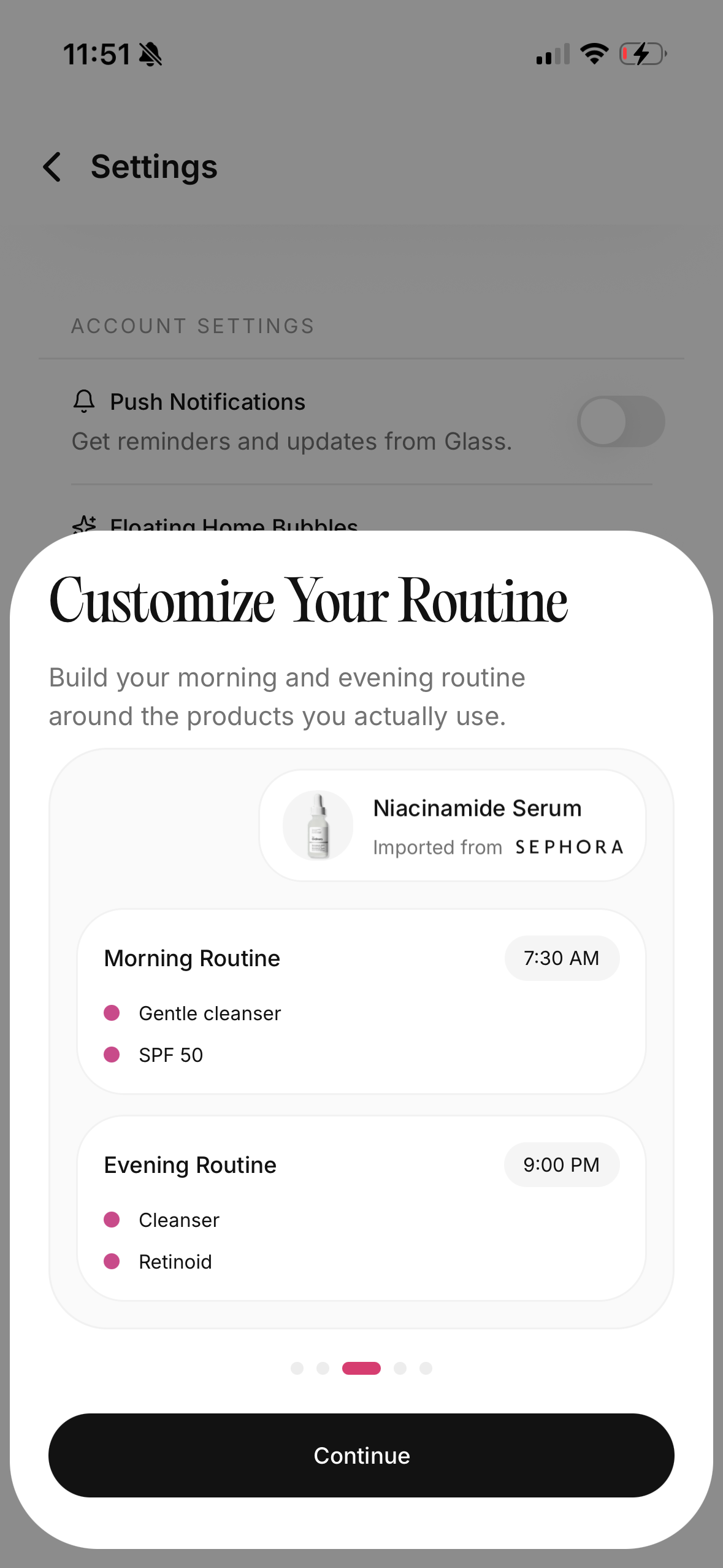
That matters if your goal is not just to analyze your skin once. It matters if you are trying to build a glass skin routine, repair a damaged barrier, stop over-exfoliating, track acne changes, or figure out whether your routine is finally becoming stable.
I also like that the product shape does not force you into a beauty-counter mindset. The app is not only asking what you should buy. It is helping you understand what you already do.
That is the healthier starting point.
Skin Bliss is for the person who wants the deep system
Skin Bliss is probably the app I would recommend to the person who wants a full skincare operating system.
It is broad. Face scanning, ingredient checks, shelf analysis, routine logic, product matching, visible progress, and a large product database all sit under one roof. If you enjoy understanding why products work, where ingredients overlap, and how your shelf fits together, that can be powerful.
The strength is depth.
The tradeoff is also depth.
Some people need that level of detail. They have reactive skin, a large product shelf, pregnancy-related ingredient questions, fragrance preferences, vegan preferences, or a genuine interest in ingredient logic. For them, Skin Bliss can feel like relief because it gives the chaos a structure.
But if you are already overwhelmed, a bigger system is not always better. You may need a quieter app that helps you follow three steps for a month.
Skin Bliss is strongest when you want to understand the whole shelf. Glass is stronger when the main problem is building a repeatable routine and learning from your own progress.
Lume Skin is the broad all-in-one competitor
Lume Skin has the kind of feature list people expect from a modern AI skincare app.
It talks about skin scanning, ingredient scanning, progress tracking, AI chat, custom routines, and reminders. That is attractive because most skincare decisions are connected. A breakout question can turn into a product question, which turns into a routine question, which turns into a tracking question.
The upside is convenience. You are not bouncing between five tools.
The caution is trust. A wide app has to be especially clear. If one screen is giving skin scores, another is suggesting products, another is answering questions, and another is tracking routines, you need to know how much weight to give each layer.
I would use Lume if I wanted breadth and liked having a lot in one place. I would use Glass if I wanted the daily skincare loop to feel more focused and grounded.
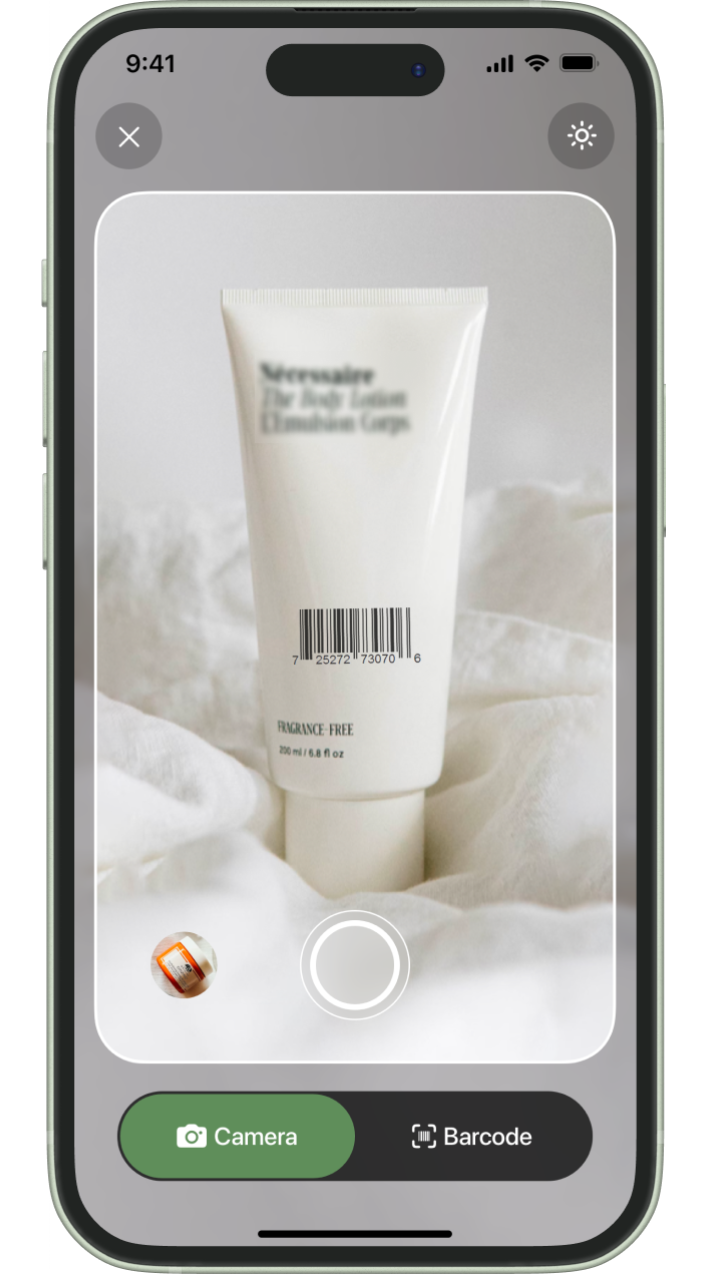
OnSkin is better for product scanning than routine change
OnSkin makes the most sense when the moment is specific.
You are looking at a product. You want to know what is in it. You want to scan, search, or check whether it looks suitable. That is a real use case, especially when skincare labels feel like tiny chemistry homework.
The app is more shopping-first than routine-first.
That is not a flaw. It just changes who should choose it. If your main frustration is buying products that do not fit your preferences or skin goals, a scanner-first app can save you time. If your main frustration is inconsistent use, routine clutter, or not knowing whether a product changed your skin after two weeks, you need more than a scanner.
Product clarity is helpful. Routine context is what turns clarity into better behavior.
SkinSort is for ingredient nerds and comparison shoppers
SkinSort is easy to understand: it is built for people who like to compare.
That can be valuable. Some shoppers want filters, ingredient details, product comparisons, alternatives, dupes, and routine compatibility notes. They do not want a single score. They want the full picture before buying.
If that sounds like you, SkinSort belongs on the shortlist.
The caution is that comparison can become its own form of avoidance. I have seen people spend weeks researching cleansers while still using the one that makes their face tight. I have seen people compare five niacinamide serums instead of asking whether they need niacinamide at all.
SkinSort is best when research helps you decide. It is less helpful when research keeps you stuck.
Dewytime is the newer app I would keep an eye on
Dewytime feels newer, but the direction is interesting.
It combines product scanning, routine building, reminders, a skin diary, and paid skin analysis features around acne, texture, redness, and dark spots. That is the right neighborhood for a modern skincare app because it recognizes that product discovery and routine tracking need to sit together.
The question is maturity.
Newer apps can feel fresher. They can also have smaller catalogs, fewer long-term signals, and more changing product decisions. That does not make them bad. It just means I would use one with realistic expectations.
If you are into Korean skincare and want a cleaner routine-and-product workflow, Dewytime is worth watching. If you want a more established daily tracking loop, I would still start with Glass.
The skin score is not the whole truth
This is the part I would not skip.
A skin score can be useful, but it is not your skin's full story. Lighting changes scores. Camera angle changes scores. Hydration changes scores. Sleep, stress, sunscreen, irritation, and makeup residue can all change what your skin looks like on a given day.
That does not mean scans are useless.
It means you should use them as trend tools, not verdicts.
I would rather see four weekly photos in similar lighting than twenty daily close-ups taken under different bathroom lights. I would rather know that redness stayed lower for three weeks after simplifying a routine than obsess over one bad scan on a tired morning.
The app should help you zoom out.
When a scanner helps and when it distracts
Product scanners are helpful when they answer a real decision.
They help when you are avoiding fragrance, comparing two sunscreens, checking whether a moisturizer overlaps with one you already own, or trying to understand why a cleanser feels harsh. They also help when you are building a product shelf and want to stop buying the same kind of serum under different names.
They distract when they make every ingredient feel dangerous.
Skincare is not solved by fear-scanning every bottle. Many ingredients are context-dependent. A formula can be gentle even if one ingredient looks intimidating. A product can be popular and still be wrong for your skin. A "clean" product can still irritate you.
Use scanners to reduce blind buying. Do not use them to turn your routine into a suspicion ritual.
My decision rule
If your biggest problem is shopping, choose a stronger product scanner.
If your biggest problem is consistency, choose a routine tracker.
If your biggest problem is not knowing what changed, choose an app that connects scans, routines, products, and progress.
That is why Glass is the strongest starting point for most people. It gives the skin analysis a practical home. It does not leave you with a score and a shopping urge. It helps you build the record you need to make better decisions later.
A simple way to use any skin analysis app
Do not start by scanning every day.
Start with one baseline photo in good light. Add your current routine. Log the products you are actually using, not the products you wish you used. Then keep the routine steady for two to four weeks unless something clearly irritates you.
Use the app like this:
- Scan once at the start.
- Build your morning and night routine.
- Track completion without making it dramatic.
- Add only one new product at a time.
- Take weekly progress photos in similar lighting.
- Review the trend before changing the routine.
That is enough for most people to learn something useful.
If your skin gets painful, swollen, infected-looking, suddenly severe, or worrying in a way that feels medical, stop treating the app like the answer. Get proper care.
The best pick for May 2026
For most people, I would choose Glass first.
Not because every other app is weak. Several are good. Skin Bliss has depth. Lume has breadth. OnSkin has scanner clarity. SkinSort has comparison power. Dewytime has a promising newer flow.
Glass wins because it is better aligned with the actual skin journey.
You do not need another one-time skin score. You need a calmer system for noticing what your skin is doing, keeping the routine steady, and changing fewer things at once.
That is what makes the analysis useful.
If you want the next step, start with Glass, then pair it with are AI skin analysis apps accurate?, best skincare routine app, best skincare scanner app, and how to build a skincare routine you will actually follow.