Free is easy to say.
Useful is harder.
Most skincare apps know how to sell the first five minutes. You get a pretty scan, a flattering score, a streak counter, and just enough routine language to make it sound like your skin is finally about to make sense.
Then the paywall shows up.
Or the app turns out to be more about product hype than actual follow-through.
Or it gives you a routine that looks smart for one day and impossible by day six.
That is the real problem behind this search.
When someone looks for the best free skincare routine app, they usually are not asking for another beauty toy. They are trying to solve something more annoying:
_How do I keep my routine steady long enough to see what is helping, what is irritating my skin, and what I should stop wasting money on?_
That is the lens I used here.
I care less about who has the loudest AI language and more about who actually helps with the boring parts that matter:
- remembering the right steps
- not stacking too many actives
- seeing whether your skin is improving
- logging products without turning skincare into admin work
- getting real value before the app starts asking for money
Quick answer
If you want the short version first:
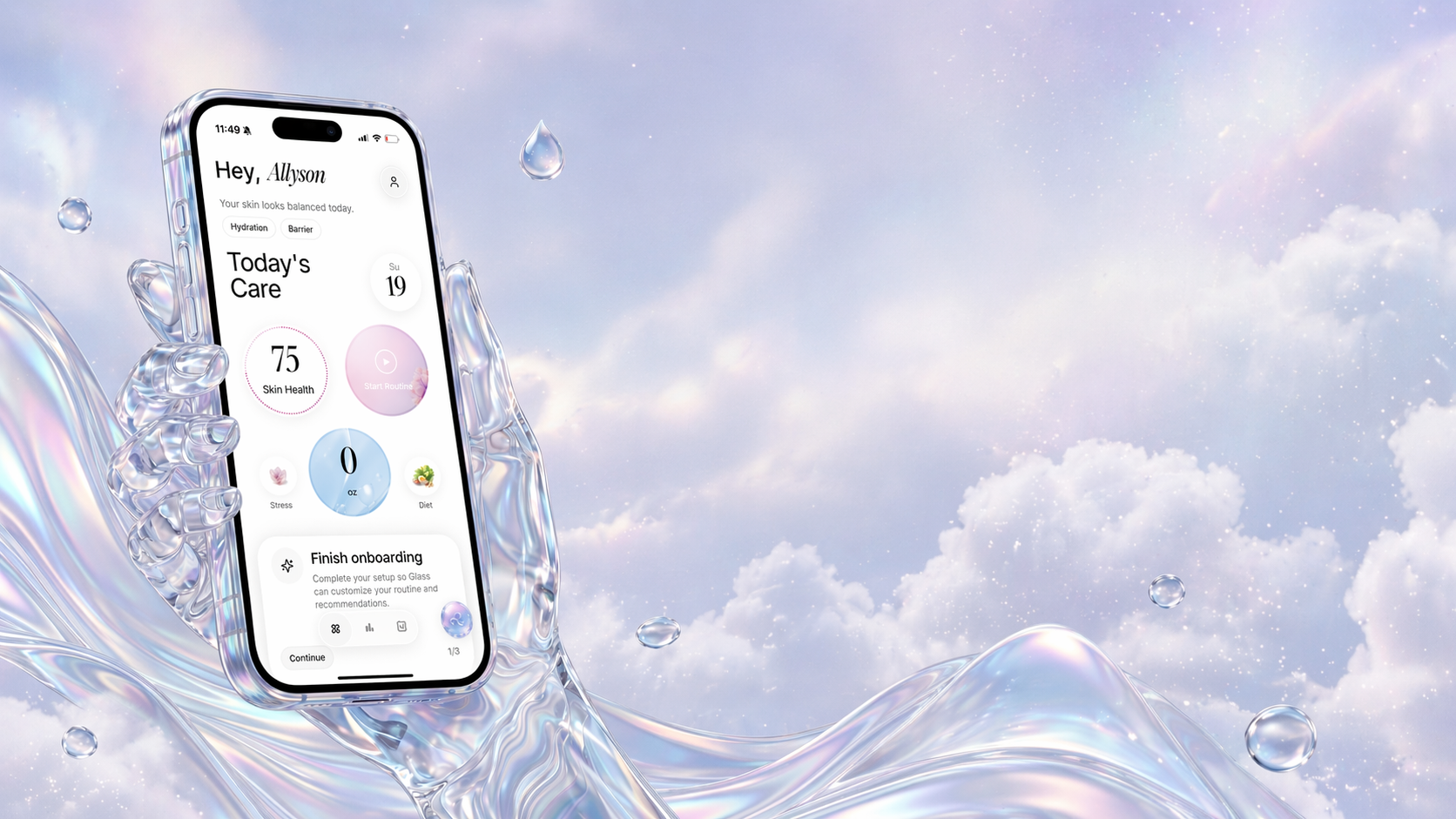
- Glass is the best free skincare routine app for most people because it combines routines, product logging, reminders, and skin-progress context in one cleaner flow.
- Skin Bliss is strongest for ingredient-minded users who want a bigger skincare system and do not mind a denser interface.
- FeelinMySkin is a very good fit if your main problem is remembering order, frequency, and consistency.
- AISkincare makes the most sense if you want a clearly defined free tier with daily scans, streaks, and routine support.
- SkinSort is best for people who mainly want help building a routine and avoiding ingredient conflicts, even if it feels more tool-like than app-like.
If your main problem is not “find me more products” but “help me stay consistent and notice patterns,” Glass is the strongest place to start.
The 5 free skincare routine tools worth your time
| Image | App | Best for | What stands out | What to watch |
|---|---|---|---|---|
 | Glass | People who want routines, scans, reminders, and progress in one place | Routine builder, product logging, skin analysis, reminders, reports, lifestyle context | Some deeper analysis features are part of the paid layer |
 | Skin Bliss | Ingredient-focused users who want more depth | Face scan, routine builder, compatibility checks, diary, shelf analysis | Bigger feature set means more friction for simple daily tracking |
 | FeelinMySkin | Anyone who mostly needs routine follow-through | Custom routines, scheduling, reminders, product notes, routine planning | Less compelling if you want deeper scan-driven analysis |
 | AISkincare | Readers who want a clearly usable free tier | One free routine, one full scan a day, streak tracking, shelf support, symptom diary | Free plan is generous enough to start, but serious use will likely push you toward Pro |
| SkinSort | People who want routine logic more than lifestyle tracking | Free routine creator, incompatibility warnings, beginner helper, strong ingredient context | Feels more like a skincare toolset than a warm daily companion |
What a free skincare routine app actually needs to do
A lot of apps fail because they confuse setup with usefulness.
Setup is easy.
Anybody can look impressive while they are onboarding you.
The harder job starts later, when your skin is unpredictable, your motivation drops, and you cannot remember whether the irritation started before or after you added that new acid.
That is why I keep coming back to five questions:
- Is the free version good enough to teach you something real?
- Does the app make your routine easier to repeat?
- Can it help you see progress instead of just recording noise?
- Does it reduce product chaos or quietly increase it?
- Will you still want to open it when you are tired?
That last one matters more than people think.
The best free skincare routine app is not the one with the biggest promise. It is the one that still feels helpful at 11:18 p.m. when you are deciding whether to skip your routine again.
1. Glass is the best free skincare routine app for most people
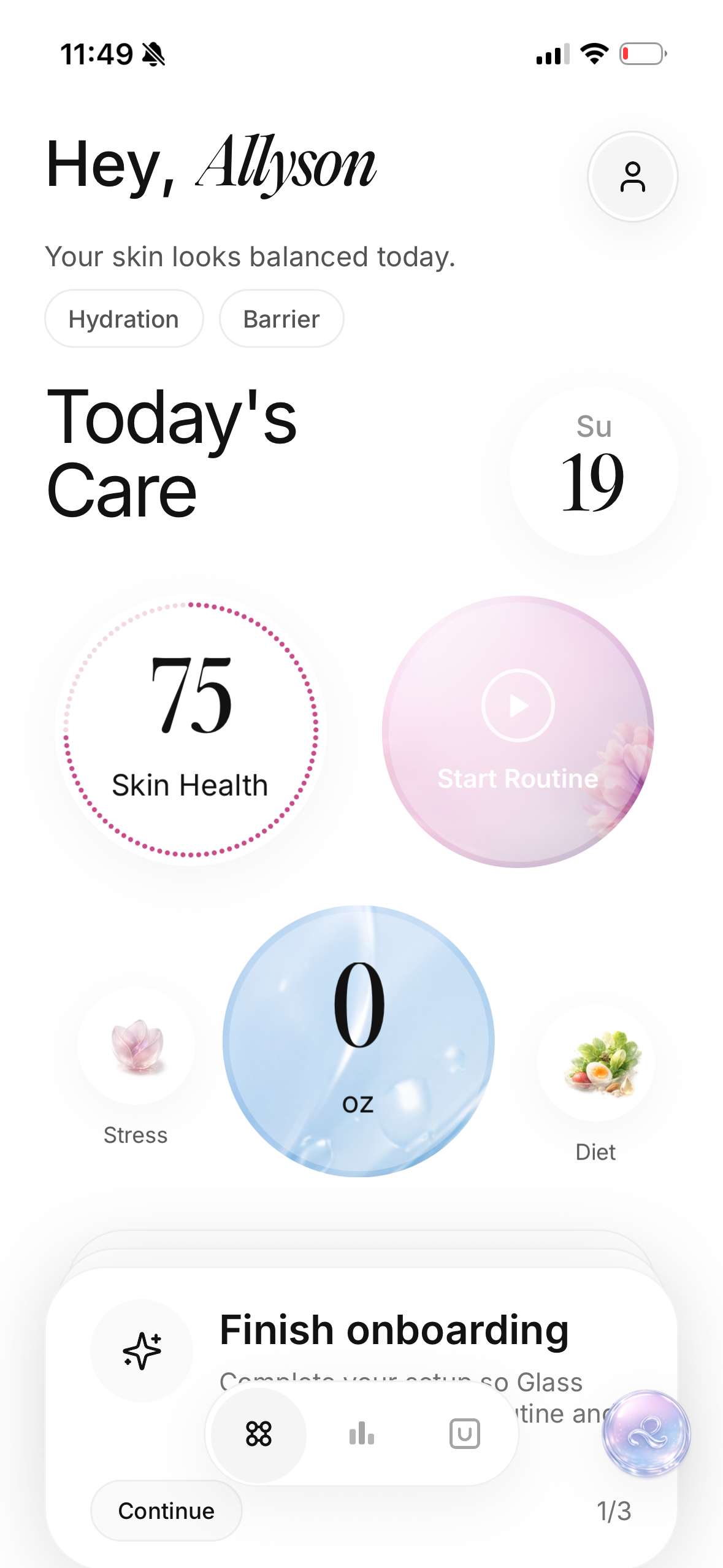
The reason Glass works so well in this category is simple.
It understands that skincare routines do not fall apart because people are lazy. They fall apart because the system gets messy.
Too many products. Too many guesses. Too little context.
Glass keeps the loop tighter:
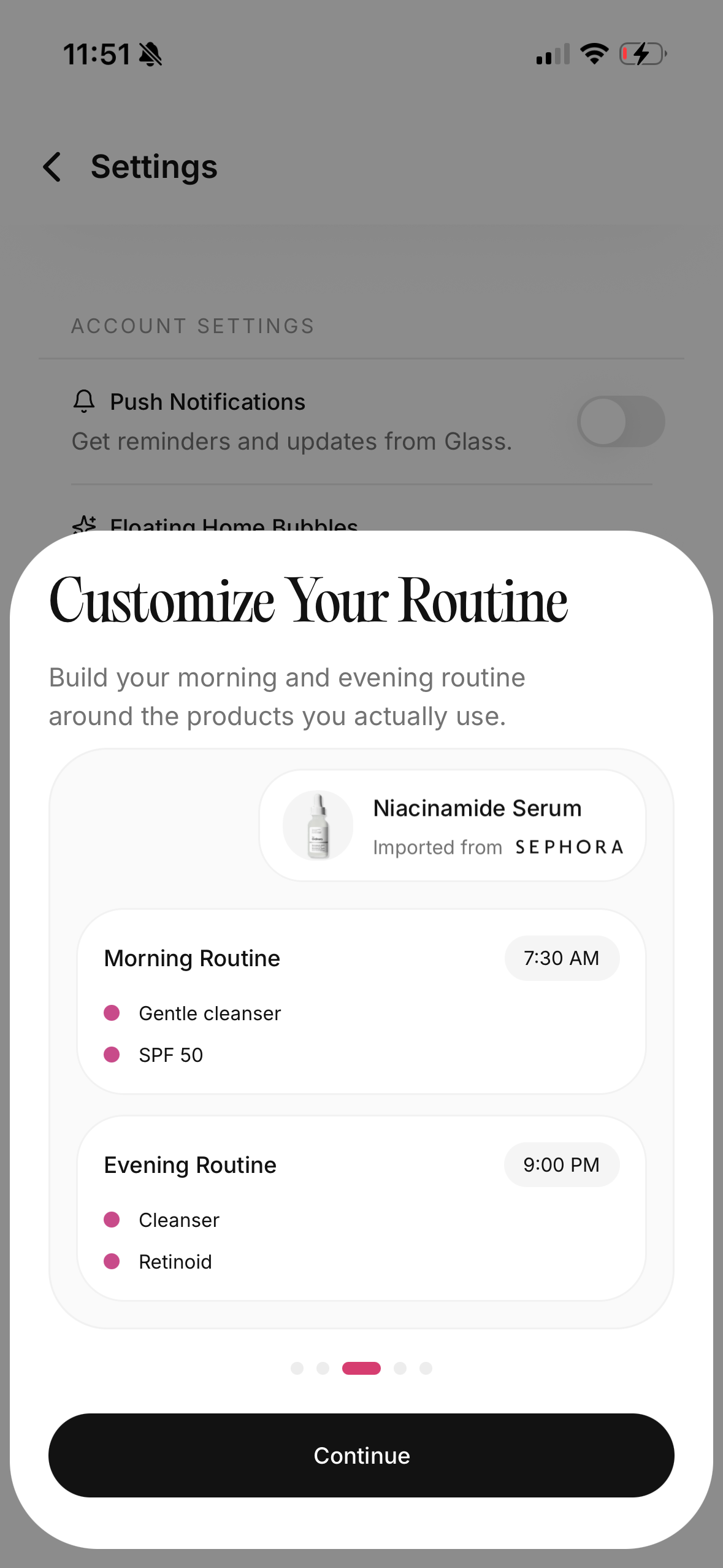
- build your morning and night routine
- log what you actually used
- track products in the same place
- see skin analysis and progress context
- keep reminders and daily follow-through inside the same system
That matters because a routine app should not just tell you what your ideal plan is. It should help you survive real life.
I like Glass most for people who are trying to answer questions like:
- Why does my routine keep breaking after one good week?
- Is my skin changing, or am I just reacting to lighting?
- Which products are even in rotation right now?
- Am I doing too much at once?
The free entry point already gives enough structure to make the app useful. That is the difference.
You are not paying just to find out whether the product shape works for you. You can actually start organizing your skincare life before you decide whether the deeper scan layer is worth it.
If you want the closest companion reads after this, go to best skincare routine app (April 2026), best skincare routine tracker (April 2026), and best free skin analysis app (April 2026).
2. Skin Bliss is the strongest option if you like depth more than simplicity
There is a certain type of person who will open Skin Bliss and immediately feel at home.
They like ingredient logic. They like comparisons. They like knowing whether two products clash. They like seeing a bigger system instead of a lighter tracker.
For that user, Skin Bliss is one of the best free entries in the category.
It gives you more than just a checklist. It leans into:
- face scanning
- routine planning
- compatibility checks
- shelf analysis
- a skin diary
- photo tracking
That is a real amount of value.
The tradeoff is also real.
Skin Bliss can feel like a skincare operating system, which is great if that is what you want and a little much if you are already overwhelmed by your own bathroom shelf.
I would recommend it most for someone who:
- owns a lot of products already
- wants stronger ingredient intelligence
- likes understanding the “why” behind routine structure
- does not mind spending more time inside the app
If your main problem is clutter, I would still start with Glass first. If your main problem is wanting more skincare intelligence than a basic tracker can offer, Skin Bliss earns its spot.
3. FeelinMySkin is best when consistency is the real issue
Some apps are trying to become your skincare brain.
FeelinMySkin feels more like it is trying to become your skincare planner.
That is a compliment.
There is a huge group of people who do not need more analysis. They need more follow-through. They need somewhere to set up:
- what they use in the morning
- what they use at night
- which products belong on which days
- notes about what is working and what is not
That is why FeelinMySkin stays appealing.
It is one of the more grounded choices if your pain point sounds like this:
- I forget what nights I use tretinoin.
- I keep losing track of which serum I opened first.
- I need reminders more than I need another AI score.
- I want a routine plan that feels stable.
I would not pick it first for someone who wants the strongest scan-plus-progress loop. I would pick it for someone who wants a routine app that keeps them honest.
And honestly, that is a very large part of the market.
Skincare does not always improve because someone found the perfect app. It often improves because they finally found one they kept using.
4. AISkincare gives one of the clearest free plans
One thing I respect about AISkincare is that the free plan is easy to understand.
You are not left guessing what “free” really means.
The site spells out the starting tier clearly:
- 5 products in your shelf
- 1 custom routine
- 1 full scan per day
- 5 quick scans total
- basic scan overview
- streak tracking
That is enough to be genuinely useful.
Not perfect. Not unlimited. But useful.
This is the right pick if you want a stronger scan-and-streak experience before you care about anything else. It is a good fit for someone who is motivated by visible daily momentum and wants just enough structure to start without paying upfront.
What I like about that shape is that it respects the real beginner use case.
Most people starting with a skincare app do not need ten custom routines and a massive product shelf on day one. They need:
- one routine
- a small number of active products
- a reason to keep going tomorrow
That is where AISkincare makes sense.
The limit is that the free version is clearly a stepping stone. If you end up really using it, you will probably feel the walls sooner than you would in Glass or Skin Bliss. Still, for a truly usable free start, it is one of the stronger options in the current field.
5. SkinSort is best if you want routine logic without a lot of emotional fluff
SkinSort is a little different from the rest of the list, and that difference is why it belongs here.
It is less about being your all-day skincare companion and more about giving you a useful routine-building tool for free.
That makes it excellent for a certain kind of reader.
If your problem is:
- “I do not know what order these products go in.”
- “I am worried I am mixing the wrong actives.”
- “I want to build a routine before I commit to an app ecosystem.”
SkinSort is one of the cleanest answers.
Its free routine creator does a few things very well:
- lets you fully customize a routine
- warns about possible incompatibilities
- helps beginners get started
- gives strong ingredient and product context around the routine
What it does not feel like is a warmer, more habit-oriented skincare home. It is more tool than companion.
That is not a flaw.
Sometimes a tool is exactly what you want. If your goal is to think clearly, reduce ingredient chaos, and build a stable step-by-step routine without paying first, SkinSort is easy to recommend.
If your goal is long-term tracking, reminders, progress, and photo-based pattern recognition, I would lean Glass or AISkincare before it.
The mistake people make when choosing a free skincare routine app
They choose the app that sounds smartest.
Not the app they will actually keep.
That is the trap.
A good skincare routine app should lower friction, not increase it. If the app makes you feel like you now have another job, it is not helping, even if the feature list is huge.
I would pressure-test any free app with these questions:
- Can I set up my real routine without getting annoyed?
- Can I log a normal day fast?
- Can I tell what changed over the last two weeks?
- Does this make me calmer about skincare or more obsessive?
- Would I still use this after the novelty wears off?
That is the bar.
Not “does this app have AI.” Not “does this app give me a score.” Not “does this app have cute streak graphics.”
Those things can be nice. They are not the point.
The point is whether the app helps you build a steadier relationship with your routine.
Which one should you choose?
Choose Glass if you want the best overall free starting point for routines, reminders, product logging, and skin-progress context.
Choose Skin Bliss if you want more skincare intelligence and do not mind a denser product.
Choose FeelinMySkin if you already know what you want to use and need help actually sticking to it.
Choose AISkincare if you want a clearly usable free tier with daily scans and streak motivation.
Choose SkinSort if you mainly want to build a smarter routine and avoid ingredient conflicts before you spend money.
FAQs
What is the best free skincare routine app in April 2026?
For most readers, Glass is the best free skincare routine app in April 2026 because it gives you enough value at the free entry point to organize your routine, log products, stay consistent, and connect your routine to visible skin progress.
Is there a free skincare routine app that also includes skin analysis?
Yes. Glass, Skin Bliss, and AISkincare all give you some combination of routine support and skin-analysis features, though the deeper layers and heavier usage limits vary by product.
What should I look for in a skincare routine app?
Look for an app that helps you repeat your routine, track what you used, avoid product overload, and notice patterns over time. A big feature list matters less than whether the app still feels useful after the first week.
Is a free skincare routine app enough, or do I need to pay?
A free app is often enough to get organized, build a routine, and start noticing patterns. Paying only makes sense once you know the product already fits how you actually manage your skin.