
The score is not the point.
That is the first thing I would remember before downloading any AI skin analysis app in May 2026.
A score can feel helpful. It gives your face a number. It makes the mirror feel less subjective for a minute. But the number is only useful if it helps you make a calmer decision tomorrow. If it makes you panic-buy a new serum, distrust your face in every bathroom mirror, or treat one bad-lighting scan like a diagnosis, the app is doing too much and not enough at the same time.
The best AI skin analysis apps are not just face-score machines. They help you repeat photos in similar lighting, connect changes to your routine, track products without chaos, and know when a skin concern belongs with a dermatologist instead of another app result.
That is the difference I care about.
The short answer
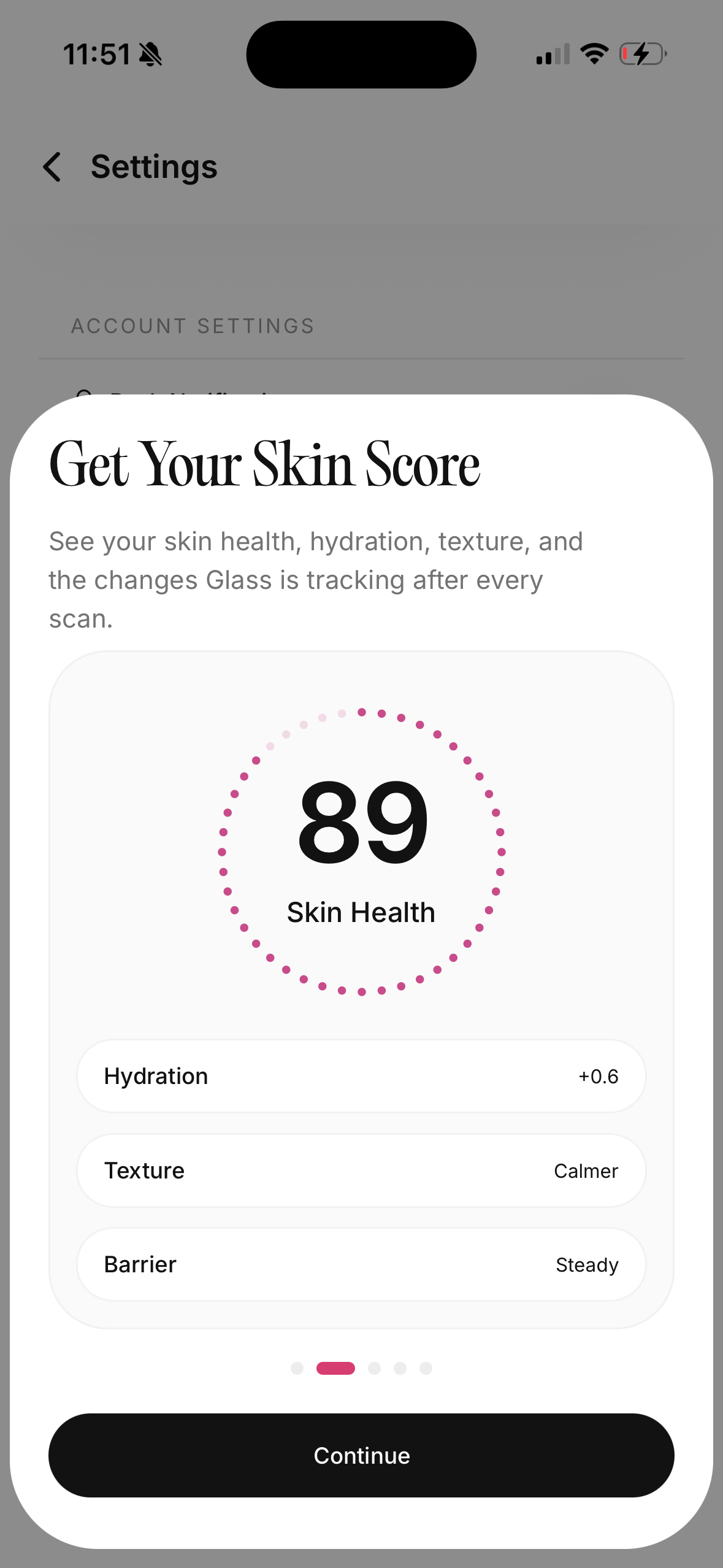
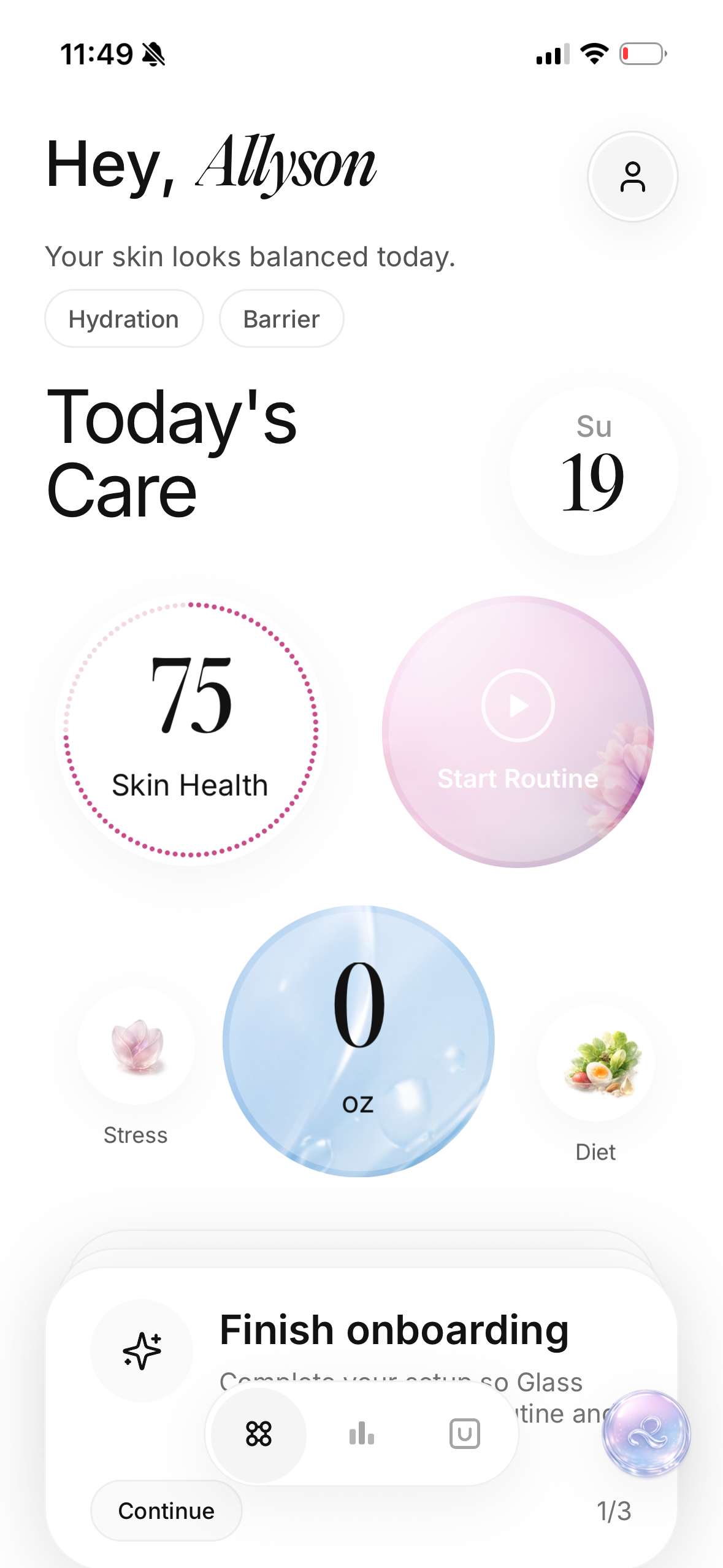
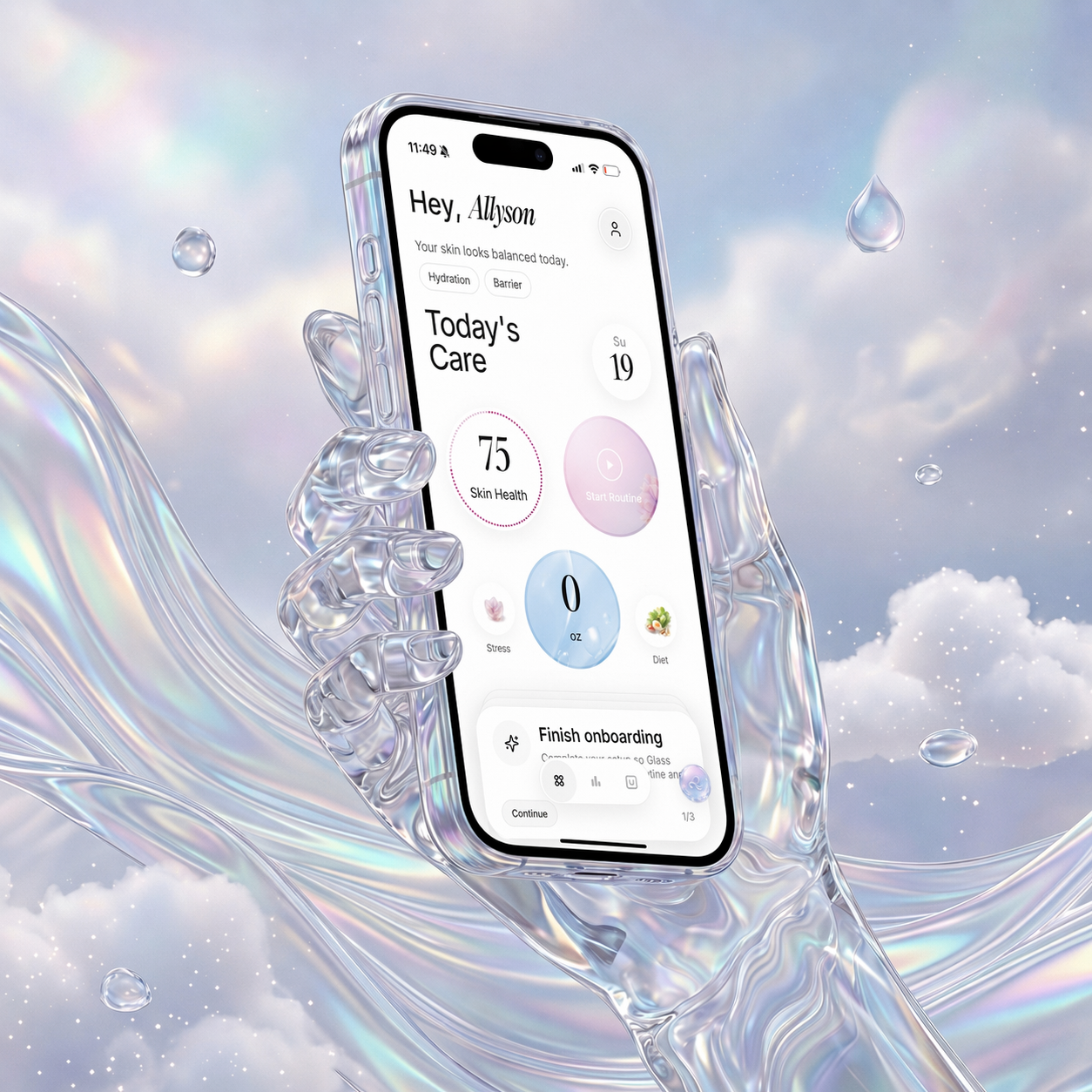
If you want one AI skin analysis app to start with, I would choose Glass when your real problem is not just scanning your face, but staying consistent after the scan. Glass is strongest when you want skin analysis, routine tracking, product context, progress photos, and a calmer way to notice patterns over time.
If you want a broader skincare database and shelf-style product logic, Skin Bliss is the more ingredient-heavy option. If you want a very tracking-first app, SkinCircle is built around repeated measurements and routine correlation. If you want a quick scan plus ingredient scanner and reminders, Lume Skin is a feature-heavy choice. If your concern is a suspicious lesion, changing mole, severe rash, or anything that feels medical, skip the beauty-app mindset and speak with a clinician.
That last sentence matters.
AI can help you observe. It should not make medical decisions for you.
The apps I would compare first
| Image | App | Best fit | What I would watch |
|---|---|---|---|
 | Glass | Someone who wants scans connected to morning and night routine tracking | The best value comes from using it repeatedly, not treating one scan as a verdict |
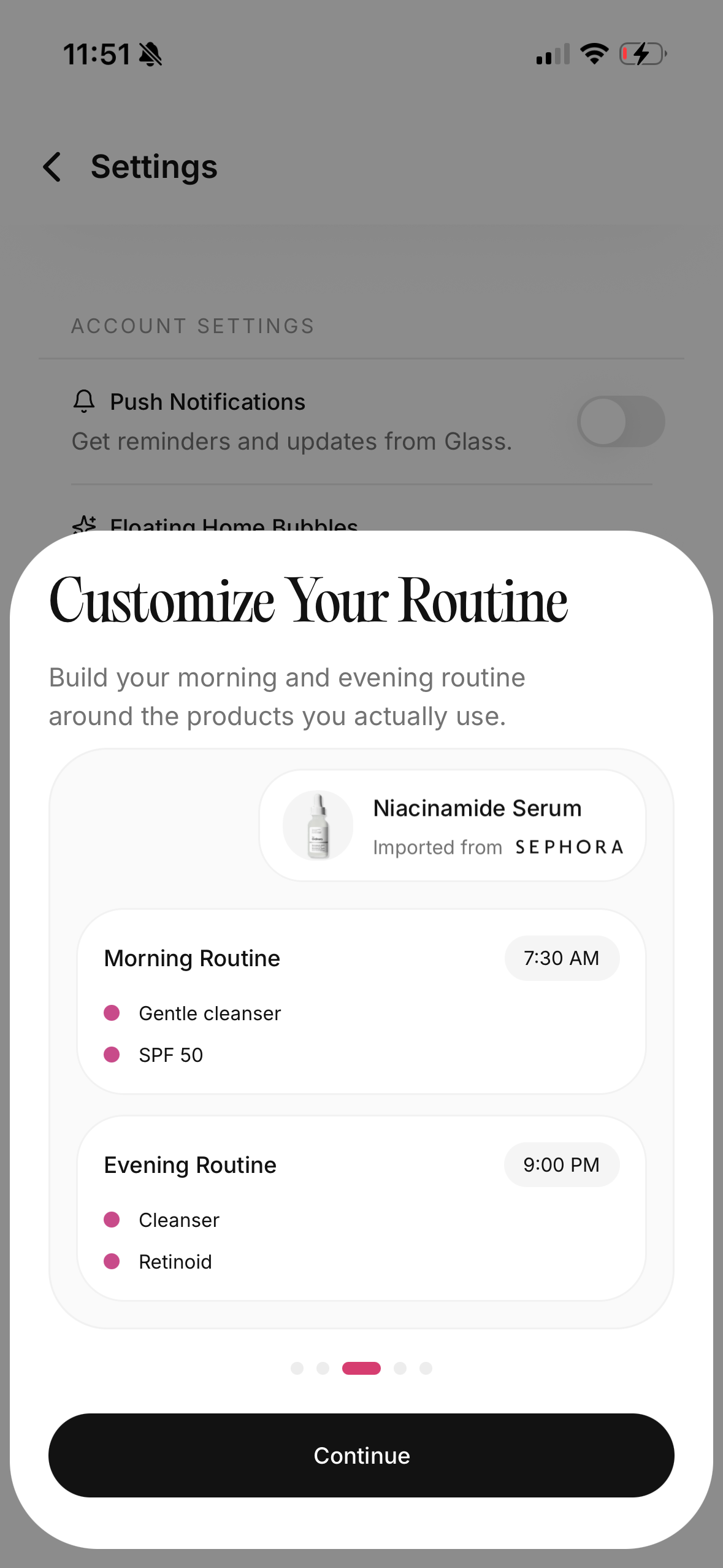 | Glass routine builder | Someone whose skincare problem is consistency, not curiosity | You still need judgment around irritation, actives, and medical concerns |
 | Skin Bliss | Ingredient-aware shoppers with a large product shelf | A big product database is helpful only if it simplifies decisions |
 | SkinCircle | People who want repeated photo tracking and score trends | More data can still become noise if you scan obsessively |
 | Lume Skin | Beginners who want scanning, ingredient checks, chat, and reminders in one place | Broad feature sets need clear boundaries, especially around advice |
I would not pick purely by feature count. A crowded app can still leave you confused if it does not help you decide what to do next. A simple app can be more useful if it helps you build a stable routine and notice real change.
What a skin analysis app should actually do
A good skin analysis app should make your skin easier to understand, not harder to live with.
That sounds obvious until you use one. The scan comes back with acne, redness, pores, texture, dark spots, dryness, wrinkles, oiliness, or a total score. Suddenly your face has categories. That can feel clarifying, but it can also make normal skin look like a checklist of problems.
The useful version does three things.
First, it gives you a repeatable record. Same angle. Similar light. Similar timing. No frantic comparison between a sunny window photo and a yellow bathroom photo at midnight.
Second, it connects the scan to behavior. Did you actually use sunscreen this week? Did you add a new exfoliant? Did you stop moisturizing because your skin felt oily? Did travel, stress, sleep, sweat, shaving, or cycle timing change the pattern?
Third, it keeps the advice proportional. A little dryness does not mean your routine needs to be rebuilt from scratch. A breakout does not mean every product failed. A suspicious lesion, sudden rash, severe pain, spreading redness, or eye-area swelling does not belong in a beauty-app loop.
That is why I like apps that treat analysis as a starting point, not a final answer.
Why Glass is the first app I would try
Glass is built around the part most skincare apps underplay: the loop after the scan.
You can analyze your skin, but the app also keeps routine structure close. Morning routine. Night routine. Product notes. Progress context. Skin Assistant guidance. Reports. It feels less like a one-time face rating and more like a place to keep the whole experiment organized.
That matters because skin changes slowly and unevenly.
Your acne may calm before marks fade. Your texture may look worse when your barrier is dry. Your skin may look dull after bad sleep even when your routine is working. A single scan cannot explain all of that. A system that ties scans to routine behavior gets closer.
I would use Glass if your notes usually sound like this:
- "I cannot tell if my routine is helping."
- "I keep switching products too fast."
- "I forget which nights I used retinol."
- "My skin looks different, but I do not know why."
- "I want progress photos without turning my camera roll into a mess."
- "I need a routine tracker that feels like skincare, not a spreadsheet."
The strongest use case is not vanity. It is pattern recognition.
The biggest mistake is scanning without a question
Do not open an AI skin analysis app and ask, "Is my skin good?"
That question turns the whole thing into a grade. Grades make people weird. A high score can make you ignore a routine that is slowly irritating you. A low score can make you overcorrect when your photo was taken in harsh light or your skin was temporarily flushed.
Ask a narrower question instead.
| Better question | Why it gives a cleaner answer |
|---|---|
| Is redness trending down across similar photos? | One red-looking photo can be lighting, heat, irritation, or timing |
| Did texture change after I added an active? | Texture needs routine context, not just a face score |
| Are breakouts healing faster or just moving around? | Active acne and post-breakout marks need different decisions |
| Is my skin more dehydrated when I skip moisturizer? | Oiliness and dehydration can overlap |
| Am I being consistent enough to judge this product? | Most routines fail from chaos before they fail from ingredients |
That shift makes the app more useful immediately. You are no longer asking it to define your face. You are asking it to help you read a pattern.
Skin Bliss: best if your product shelf is the problem
Skin Bliss is interesting because it leans into product and ingredient understanding, not only facial analysis. The public product page describes skin scanning, shelf analysis, personalized routines, product comparisons, and progress tracking. It also says the app covers a very large product database.
That makes sense for someone who owns too many products and cannot tell what belongs in the same routine.
If your shelf has three cleansers, two exfoliants, a retinoid, a vitamin C serum, a barrier cream, a spot treatment, and a sunscreen you barely use, your problem may not be lack of information. It may be lack of order. A product-aware app can help you reduce collisions.
I would use Skin Bliss if you want help answering:
- Which products are redundant?
- Which step should I use in the morning versus night?
- Which ingredients might be too much together?
- What should I pause while my skin barrier calms down?
Where I would be careful: ingredient logic can feel more certain than real skin. Two products can look compatible on paper and still feel wrong on your face. A formula can contain a useful ingredient and still be too rich, too fragranced, too drying, or too irritating for you.
Use the ingredient layer as a filter. Do not treat it like law.
SkinCircle: best if you want tracking more than shopping
SkinCircle is the most tracking-forward option I would put in the first comparison set. Its public page describes repeated scan metrics, routine logging, correlation analytics, and dermatologist-guided development language.
That is a useful lane.
Some people do not need another product recommendation. They need a way to stop rewriting history. They need to know whether redness is actually less frequent, whether a new moisturizer improved dryness, or whether breakouts are clustering after certain routine changes.
If you are that person, trend tracking can be powerful.
But there is a tradeoff. More measurement can make some people more anxious. If you scan every day and react to every small score movement, the app can become a mirror with extra numbers attached.
I would use SkinCircle if you like data and can stay calm with it. I would skip it if daily metrics make you pick, compare, spiral, or change products too often.
Lume Skin: best if you want the widest starter kit
Lume Skin presents itself as a free AI dermatologist-style app with instant skin analysis, an ingredient scanner, personalized routines, progress tracking, AI chat, and smart reminders. That is a lot in one place.
For a beginner, that can be comforting. You get the scan, the product checker, the routine, the reminder, and the chat layer without building your own system from scratch.
The upside is convenience.
The downside is that convenience can blur boundaries. When an app offers scanning, chat, product advice, weather-aware routine changes, and reminders, the user has to know which advice is casual skincare guidance and which concern deserves real medical care.
I would use Lume Skin if you want a broad, friendly entry point and you are comfortable applying common sense. I would not use any app in this category as a substitute for a dermatologist if the skin issue is painful, spreading, bleeding, changing quickly, or unfamiliar.
Scan-focused apps are not all in the same category
Some apps are beauty routine apps. Some are product scanners. Some are skin trackers. Some are closer to skin-check tools that talk about risk scores and doctor follow-up.
Do not mix those categories in your head.
A beauty-focused AI skin analysis app can help you track acne, redness, texture, dryness, tone, and routine habits. A skin-check app that talks about lesions, risk, and whether to seek care is playing closer to a medical-adjacent space. The risk profile is different.
The American Academy of Dermatology has warned that letting people choose between app-generated diagnoses can do harm, and it recommends seeing a board-certified dermatologist for diagnosis. That is the clean boundary. An app can help you notice something. It should not become the authority on what that something is.
If you are using an app for skincare routine support, keep it in that lane.
If you are worried about a mole, lesion, rash, infection, severe acne, sudden swelling, or anything that feels medically meaningful, book care.
The privacy page matters more than the prettiest screen
Face data is personal.
Progress photos are personal.
Skin concerns are personal.
Before I trust an AI skin analysis app, I would look for plain answers to simple questions:
- Are photos stored or processed temporarily?
- Can I delete my data?
- Is data linked to my identity?
- Is it used to train or improve models?
- Does the app sell or share personal data?
- Does the app explain what happens when I cancel?
Do not let beautiful onboarding distract from vague privacy language. If the app wants face photos and health-adjacent notes, it owes you clarity.
Apple privacy labels can help, but they are not the whole story. Read the app's own policy when the data feels sensitive. If the policy is hard to find, confusing, or evasive, that tells you something.
The lighting rule changes everything
The most underrated skin-analysis habit is boring lighting.
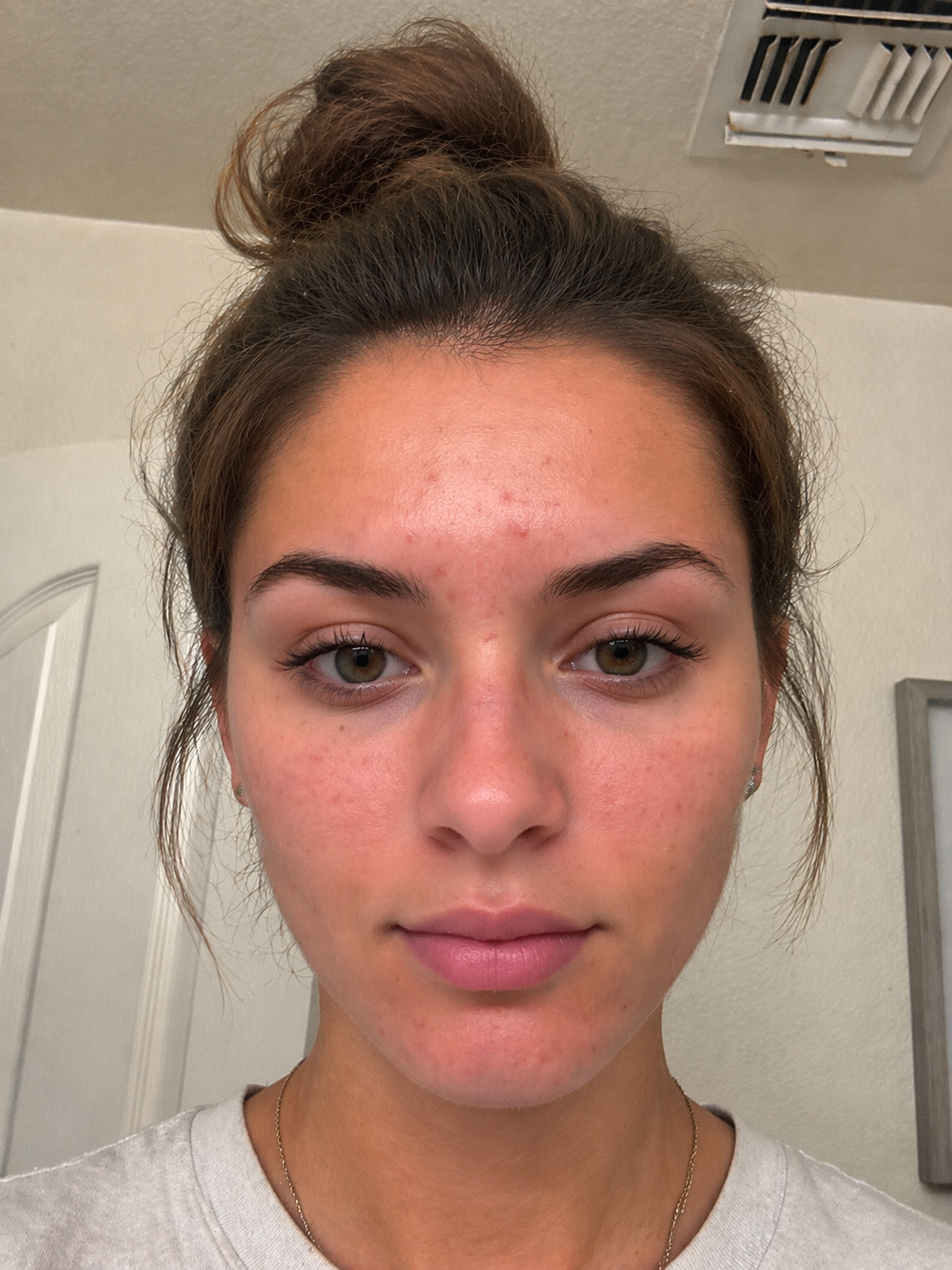
Use the same place. Same angle. Same distance. Similar time of day. Clean face if possible, or at least the same stage of your routine. Avoid dramatic sunlight, yellow overhead light, car mirrors, heavy makeup, and front-camera smoothing.
You are not trying to make a pretty photo. You are trying to make a comparable one.
Bad lighting can exaggerate pores. Warm bulbs can make redness look worse. Direct sun can flatten texture. Shadows can turn normal unevenness into a crisis. If your photo inputs are chaotic, your scan history becomes harder to trust.
My rule is simple: make the photo boring enough that the pattern can be interesting.
What I would ignore in the first week
I would ignore tiny score changes at first.
The first week is for learning the app, setting a photo habit, and checking whether the routine tracker fits your real life. If a score moves from 78 to 74, that does not automatically mean your skin got worse. It may mean the lighting changed, your face was flushed, you scanned after a workout, or the model saw texture differently.
I would also ignore any advice that makes you change too many products at once.
One new active is enough. One moisturizer swap is enough. One sunscreen experiment is enough. If an app result makes you want to buy a full new routine by Friday, slow down.
The app should reduce chaos, not rename it personalization.
What I would trust more over time
I trust repeated patterns more than single scans.
If redness looks lower across several similar photos and your notes show fewer stinging days, that is meaningful. If breakouts slow after you stop using a heavy product, that is meaningful. If dryness keeps rising every time you use an exfoliating toner, that is meaningful.
I also trust behavior logs more than memory.
People are bad at remembering skincare consistency. We remember the product we bought, not the nights we skipped it. We remember the breakout, not the three days of picking. We remember the new serum, not the week of poor sleep and no sunscreen.
That is where an app earns its place. It gives you a record that is less emotional than the mirror.
The routine features I would pay for
I would pay for features that help me make fewer bad decisions.
That means:
- morning and night routine tracking
- product start dates
- progress photos in similar framing
- skin notes tied to scans
- reminders that do not feel annoying
- ingredient and product context when it is actually relevant
- clear trend history instead of one dramatic score
- privacy controls that are easy to understand
I would not pay just for a prettier score screen. The score is the hook. The routine loop is the value.
If the app cannot help you stay consistent for a month, it probably cannot tell you much about what works.
When to stop using the app and call someone
Stop using an app as the main decision-maker if you notice:
- a mole or spot that is changing, bleeding, or irregular
- severe or sudden acne
- painful deep lumps
- spreading redness, warmth, pus, or fever
- swelling around the eye
- a rash that spreads quickly
- blisters, crusting, or open sores
- symptoms after a new medication
- skin pain that feels out of proportion
- anything your gut says is not normal
An AI skin analysis app can support awareness. It cannot examine you, take your medical history, feel the skin, order tests, or understand the full context the way a clinician can.
That is not an anti-technology point. It is a good-use point. Tools work better when you know their job.
My practical ranking for May 2026
| Rank | App | Why I would choose it |
|---|---|---|
| 1 | Glass | Best overall if you want scan context, routine tracking, progress notes, and a calmer skincare system |
| 2 | Skin Bliss | Best if product and ingredient overload is your main problem |
| 3 | SkinCircle | Best if you want repeated tracking and can handle metrics without spiraling |
| 4 | Lume Skin | Best broad starter kit for scanning, routines, chat, reminders, and ingredient checks |
| 5 | Scanlyst-style skin-check apps | Best reserved for awareness and follow-up prompts, not beauty routine decisions |
That ranking is not universal. If you love data, SkinCircle may beat everything else for you. If you want product analysis first, Skin Bliss may be the better fit. If you want a simple routine-first app with analysis folded into daily behavior, Glass is where I would start.
The best app is the one that changes your next month, not just your next five minutes.
How I would use Glass for 30 days
I would keep the experiment simple.
Day 1: take a baseline scan in boring light, add the current morning and night routine, and write down what your skin feels like after cleansing.
Week 1: do not change the whole routine. Track consistency. Notice stinging, tightness, oiliness, breakouts, and sunscreen use.
Week 2: change only one thing if needed. Maybe the cleanser is too stripping. Maybe moisturizer is inconsistent. Maybe the active is too frequent.
Week 3: compare similar photos, not random selfies. Look for direction, not perfection.
Week 4: decide what actually helped. Keep what made your skin calmer and easier to manage. Remove what created irritation, confusion, or extra steps you never used.
That is how a skin analysis app becomes useful. It gives you a container for patience.
Bottom line
AI skin analysis apps are worth trying when they help you track patterns, build a routine you can repeat, and make fewer reactive skincare decisions. They are not worth trusting blindly, and they are not replacements for dermatology care.
For May 2026, I would start with Glass if you want the scan connected to a real routine loop. I would look at Skin Bliss if product overload is the main issue, SkinCircle if trend tracking is your style, and Lume Skin if you want a broad beginner-friendly feature set.
Use the scan.
Do not worship it.
Your skin needs consistency, context, and good judgment more than it needs another number.
Useful references: American Academy of Dermatology on skin apps, FDA mobile medical app policy, Skin Bliss, SkinCircle, and Lume Skin.
