Lume Skin sounds exciting.
I get the appeal.
An app that scans your face, checks products, builds a routine, tracks progress, and answers questions like a skin coach is exactly the kind of thing skincare people want to believe in. It promises less guessing. Less shelf chaos. Less standing in front of the mirror wondering whether a breakout came from the new serum, the missed cleanse, the sunscreen, or stress.
That is the promise.
The harder question is quieter:
Which app would I actually keep opening after the first scan?
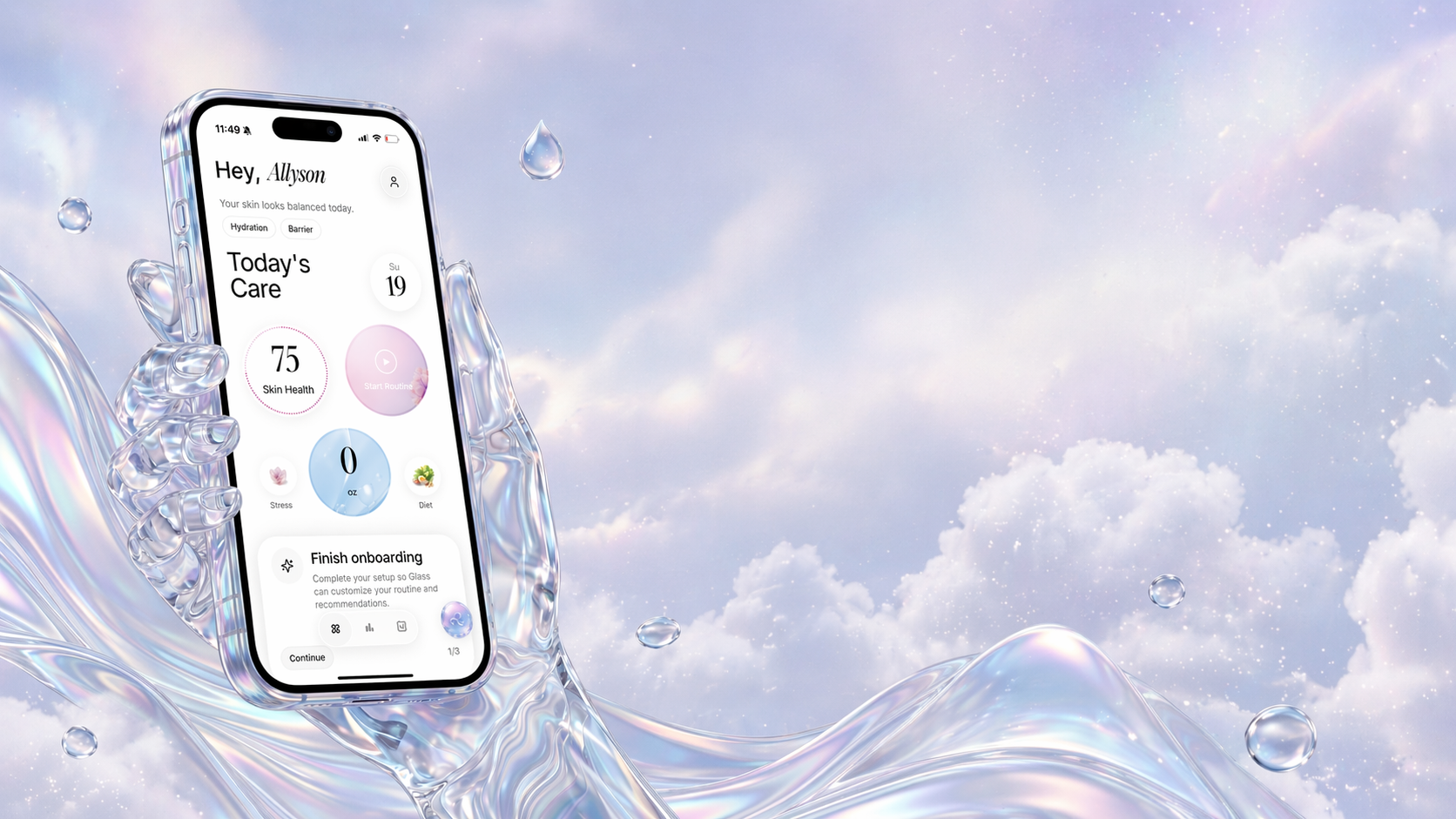
That is where this comparison gets interesting. Lume Skin and Glass are close enough that people may compare them, but they do not feel built around the same center of gravity. Lume Skin leans into the big AI dermatologist idea: scan, score, check product safety, ask questions, get routines. Glass feels more like a daily skincare operating system: build the routine, scan over time, track products, see reports, and keep the pattern readable.
Both ideas can be useful.
Only one is the one I would start with.
The quick answer
If you want an AI skincare app in May 2026, I would choose Glass first if your real problem is consistency, routine confusion, product switching, and not knowing what changed before your skin changed.
I would consider Lume Skin if your main draw is an AI scanner with a product safety checker and you want a broad, scan-first experience that feels closer to an instant skin assistant.
That difference matters.
| App | Best for | Strongest lane | Watch this before choosing | |
|---|---|---|---|---|
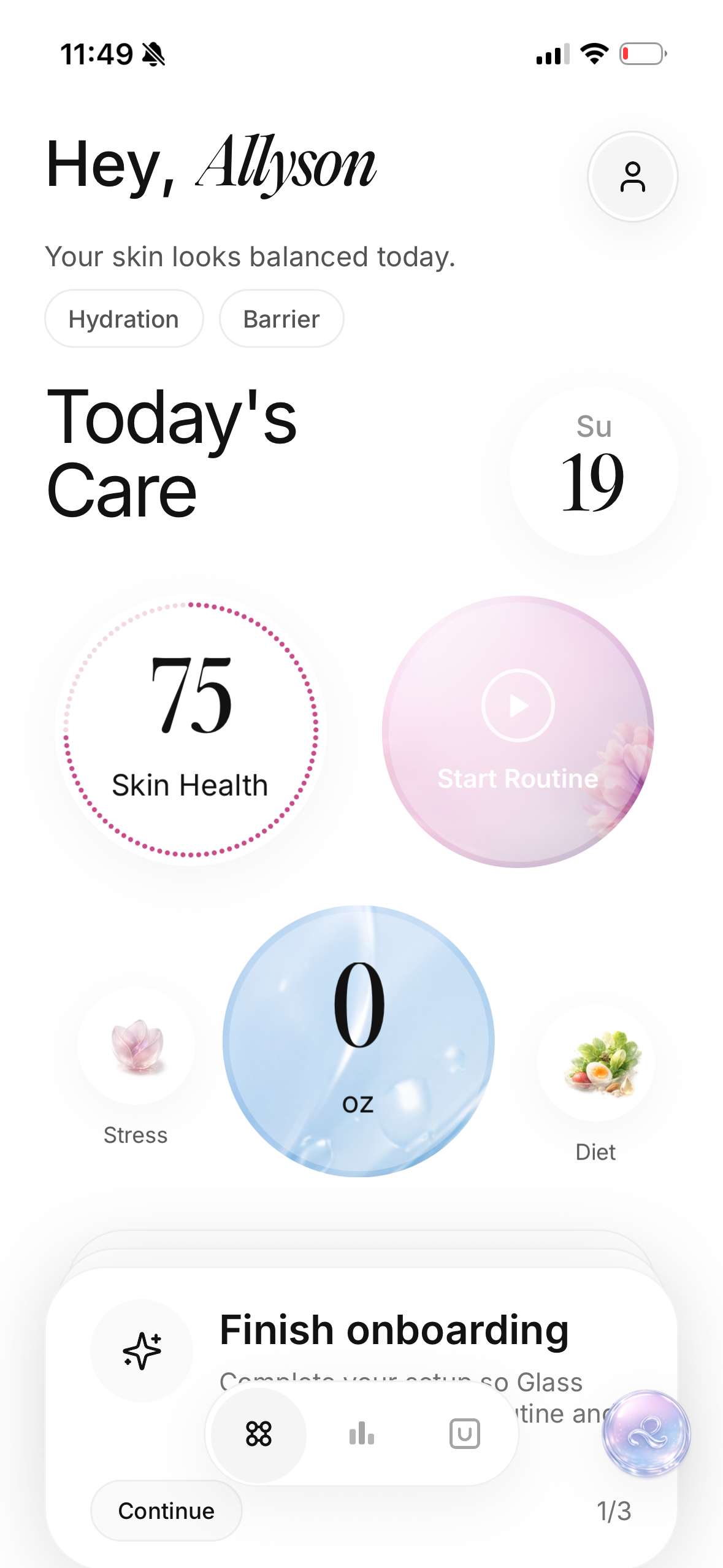 | Glass | People who want scans, routines, product history, reminders, reports, and calmer progress tracking together | Daily routine tracking and long-term context | The value gets better when you actually log routines and scan consistently |
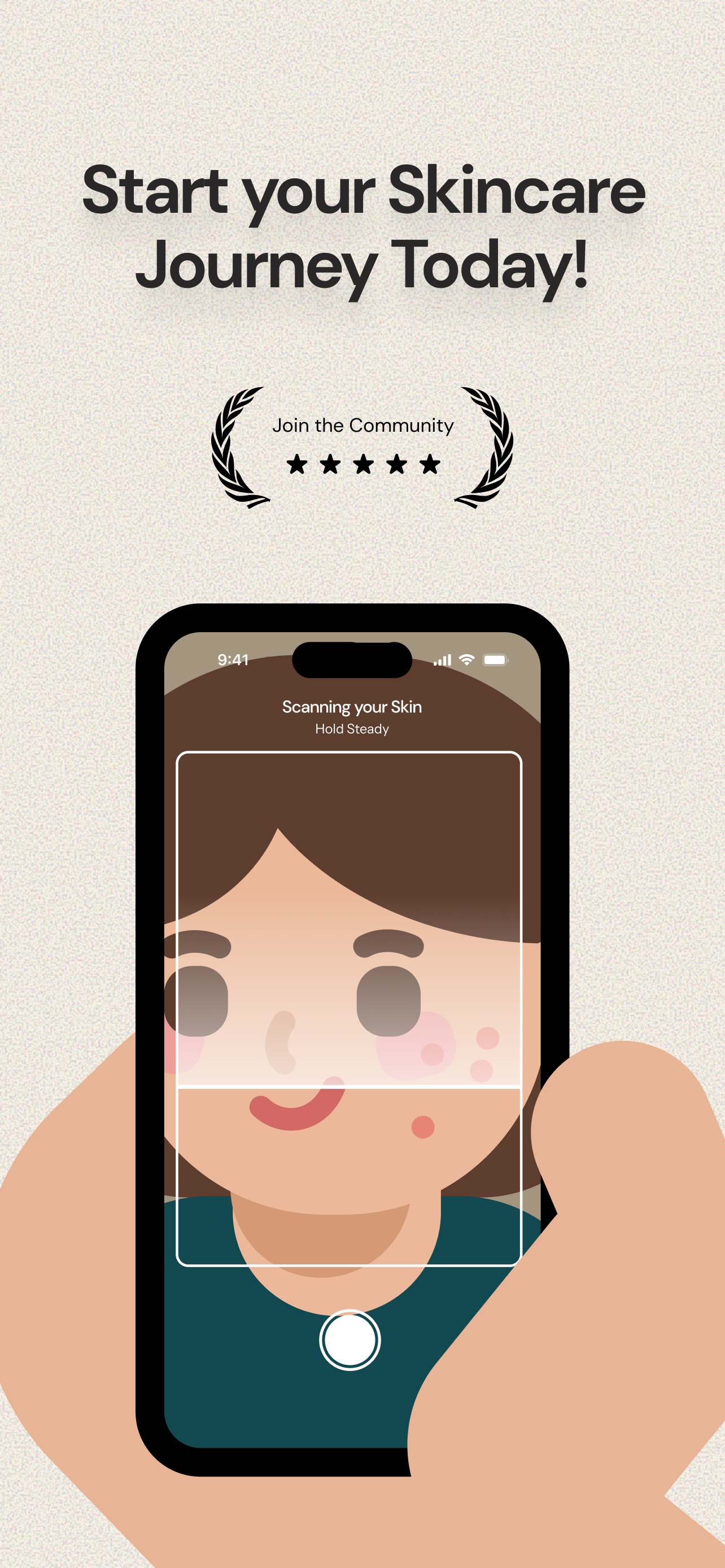 | Lume Skin | People who want a scan-first AI dermatologist style app with product safety checks and chat | Instant analysis, product scanning, broad AI assistant positioning | The big medical-sounding promise needs realistic expectations |
For most people, I would rather have the app that makes the routine easier to repeat and understand than the app with the loudest scan promise.
That is why Glass wins for me.
What I want from an AI skin app
I do not want an app to make skincare feel more dramatic.
Skincare already has enough drama. One bad photo can ruin your mood. One new pimple can make you want to change five products. One influencer routine can make your perfectly reasonable moisturizer feel boring.
The app should do the opposite.
It should slow the decision down.
A good skin app should help answer:
- What did I actually use?
- Did I follow the routine long enough?
- What changed before my skin changed?
- Are the photos comparable?
- Am I seeing a pattern, or am I reacting to one bad morning?
That is the standard I used here.
Not which app has the most features.
Which one is more likely to make better skin decisions feel boring enough to repeat?
Where Lume Skin is strongest
Lume Skin has a clear hook: it wants to feel like an AI dermatologist in your pocket.
Its public positioning is broad. It talks about AI skin scanning, product safety checks, personalized routines, progress tracking, AI chat, and support for concerns like acne, sensitivity, oiliness, dryness, dark spots, wrinkles, and redness.
That makes the app easy to understand at first glance. You take a photo. You get analysis. You check products. You ask questions. You track changes.
I can see why that lands.
The product safety checker is probably the most immediately useful part for a lot of people. Product labels are exhausting. Ingredient lists are long. Marketing words are slippery. If an app can help you slow down before buying another bottle that overlaps with three things you already own, that is useful.
The scan-first experience also fits people who want a fast read on what they are seeing. Redness. Oil. Acne. Texture. Hydration. Progress over time. Those are the categories people already care about.
Where I get more cautious is the phrase "AI dermatologist."
I understand why apps use that language. It is memorable. It tells the user what the app is trying to approximate. But skin is still medical when it becomes painful, sudden, spreading, changing, bleeding, infected, scarring, or unusual. A phone app can help organize observations. It should not become the thing that talks you out of getting care when your skin needs a human clinician.
That is the line I would keep in my head with Lume Skin:
Useful assistant. Not a dermatologist replacement.
Where Glass feels better for daily use
Glass feels less like a one-time scan and more like a place to keep your skin life organized.
That sounds less flashy.
It is more useful.
The strongest part of Glass is the loop:
- build a morning and night routine
- log the products you actually use
- scan skin over time
- track lifestyle context like sleep, water, stress, and diet
- use reports to notice what is changing
- ask the Skin Assistant questions with more context than a random chat
That shape fits real skincare better because skin rarely changes for one clean reason.
A breakout might follow a new moisturizer. It might also follow missed cleansing, poor sleep, a sweaty workout, a cycle shift, a heavy sunscreen, or a retinoid night that landed too close to exfoliation. If the app only sees the face photo, it may miss the routine story behind the photo.
That is where Glass makes more sense to me.
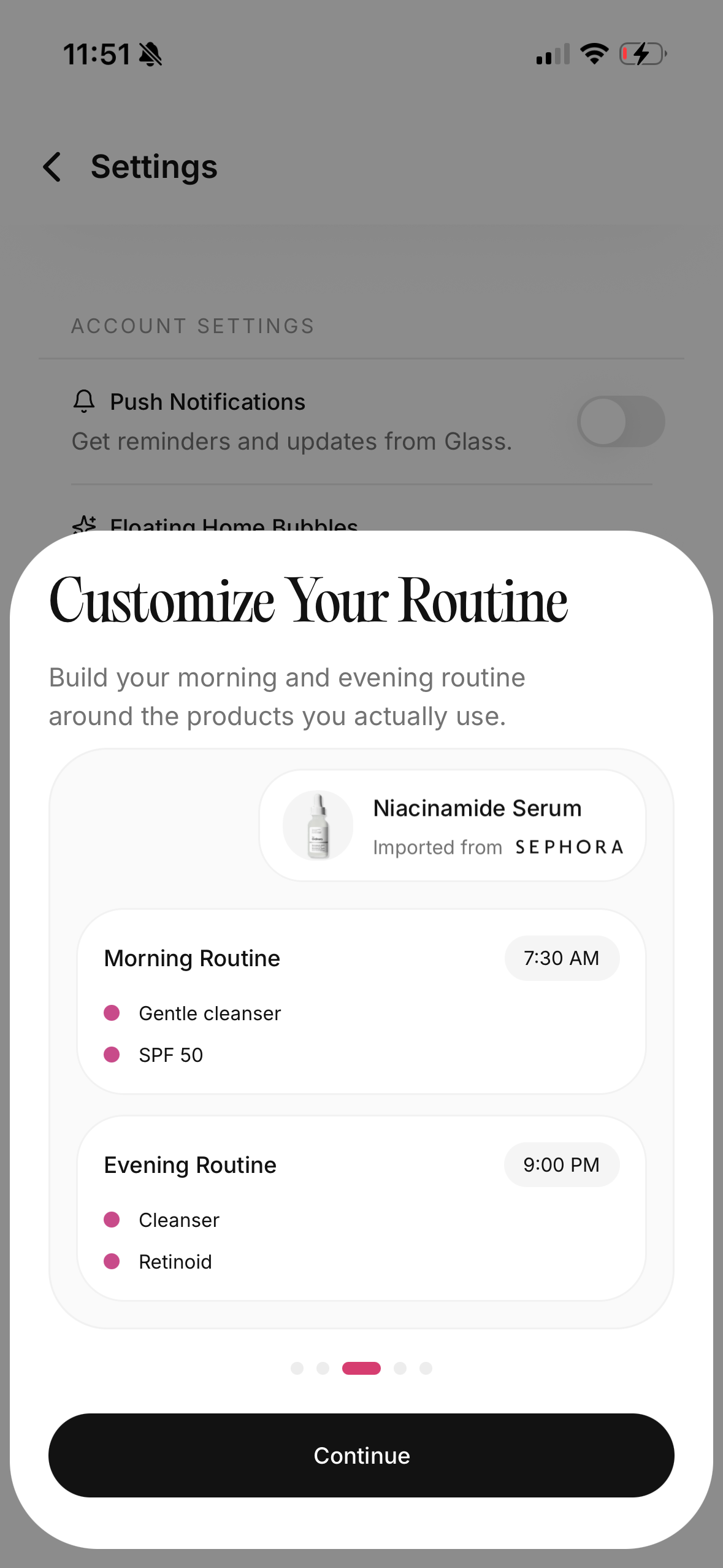
The routine builder matters because consistency is the boring foundation under most progress. The skin score matters because photos alone are emotional. The product log matters because new bottles are usually where confusion starts. The reports matter because one photo is a mood, but several weeks can become a pattern.
Glass is not trying to make every morning feel like a diagnosis.
It is trying to make your routine observable.
That is the better daily job.
The scan is only as useful as the follow-through
This is where people overvalue AI skincare apps.
The first scan feels important. It gives you categories. It gives you a score. It gives you something to react to.
But skincare does not improve because you scanned once.
It improves when the app helps you make better repeated decisions after the scan.
That means:
- keeping the routine stable long enough to learn
- not adding three actives in the same week
- taking photos in similar light
- noticing whether irritation follows frequency, not just product choice
- tracking whether you used sunscreen consistently
- knowing when to stop experimenting and ask a professional
Lume Skin has progress tracking, so it is not only a one-scan product. But its pitch still feels more scan-and-assistant led. Glass feels more anchored in the daily loop after the scan.
That is why I would trust Glass more for someone who keeps starting over.
If you are the kind of person who downloads an app, scans your face, gets excited, buys products, and then forgets the routine by the next week, you do not need a louder scan.
You need a better routine memory.
Product scanning: useful, but easy to over-read
I like product scanning when it has a clear job.
It can help you ask:
- Is this product doing the same job as something I already own?
- Does it contain an ingredient I know I avoid?
- Is it a treatment, moisturizer, cleanser, or sunscreen?
- Where would it actually fit in the routine?
- Am I buying this because I need it, or because the bottle is exciting?
That is useful.
The problem starts when product scanning turns into moral scoring.
Skincare products are not simply safe or unsafe for everyone. A formula can be great for one person and wrong for another. A rich cream can save dry cheeks and clog someone else. A chemical sunscreen can be elegant for one face and sting another. Niacinamide can be calming at one concentration and annoying when it appears in every step.
So if I use Lume Skin's product safety checker, I would treat it as a filter, not a final verdict.
If I use Glass, I would focus on where the product sits in the routine and whether the skin record changes after adding it.
Those are different mindsets.
For shopping, Lume Skin may feel more immediate.
For knowing whether the product belongs in your life after the purchase, Glass feels stronger.
Privacy and face photos
Face data deserves more caution than a normal beauty preference.
You are not only logging that you like gel moisturizers. You may be taking close-up face photos, tracking acne, redness, texture, progress, and concerns that feel private. That does not mean you should avoid these apps. It means you should choose with your eyes open.
Before using any skin app seriously, I would check:
| Privacy question | Why it matters |
|---|---|
| What data is linked to me? | Skin photos and identifiers deserve more caution than generic app usage |
| Can I delete my account and photos? | A tracker should not make your face history feel trapped |
| Does the app explain photo handling clearly? | Vague privacy language is not enough for face data |
| Does the app need every permission it requests? | Fewer permissions usually feels cleaner |
| Does the value justify the data? | A face scanner should earn the trust it asks for |
Lume Skin's App Store listing shows the usual privacy nutrition-label style disclosures, and its site says photos and data are encrypted and can be deleted. That is good to see, but I would still read the policy before uploading a long history of face photos.
Glass also needs to earn trust because it handles personal skin context too. The practical rule is the same for both: do not give a skincare app more than you are comfortable storing there, and delete what you do not need.
Which app is better for acne-prone skin?
If acne is mild, routine-related, and you mostly need tracking, I would start with Glass.
Acne gets confusing because timing is messy. A bump can appear days after the decision that contributed to it. If you cannot see your routine history, you may blame the wrong product or quit too early.
Glass helps more with that because it keeps routine completion, product changes, scans, and progress context closer together.
Lume Skin may be useful if you want quick scan feedback, product checks, and AI answers around acne-prone routines. I would just keep the medical line clear. Deep, painful, scarring, sudden, or persistent acne belongs with a dermatologist. An app can help you organize the evidence. It should not delay care.
For acne-prone users, the app I would choose depends on the main frustration:
| Your frustration | Better starting point |
|---|---|
| I keep forgetting what I used | Glass |
| I want instant scan categories | Lume Skin |
| I keep changing products too fast | Glass |
| I want to check ingredients before buying | Lume Skin |
| I need progress photos tied to routine history | Glass |
| I have painful or scarring acne | Dermatologist first, app second |
Which app is better for sensitive skin?
Sensitive skin needs fewer variables.
That is why I lean Glass again.
The sensitive-skin problem is usually not only "what ingredient is bad?" It is frequency, layering, barrier condition, and whether you are stacking too much at once. A product may be fine twice a week and irritating every night. A cleanser may be fine in summer and too stripping when the air gets dry. A moisturizer may sting only after exfoliation.
Those patterns need context.
Glass is better shaped for that context because routine history and skin tracking live together.
Lume Skin's product safety checker may still be helpful if you know certain ingredients bother you, but I would not let a safety score override how your skin actually feels. Sensitive skin gives feedback quickly. Burning, swelling, hives, or persistent stinging are not "push through" signals.
Which app is better for product shoppers?
Lume Skin may be more fun before purchase.
Glass may be more useful after purchase.
That is the cleanest way I can explain it.
If you are in a store or scrolling online and want to check whether a product looks reasonable, Lume Skin's product scanner angle is appealing. It gives the shopping moment structure.
But after the product enters your bathroom, the question changes.
Now you need to know:
- Did I actually use it?
- How often?
- In what routine slot?
- With what other actives?
- Did my skin feel better, worse, or just different?
- Did I give it a fair test?
That is Glass territory.
I care more about the after-purchase question because that is where money gets wasted. Most people do not only buy the wrong product. They test products badly. They add too much, wait too little, change too fast, then buy another thing to fix the confusion.
A good app should interrupt that pattern.
The routine I would build before judging either app
Before comparing scores, I would make the routine boring.
Morning:
- Gentle cleanse or rinse.
- Moisturizer if needed.
- Sunscreen.
Night:
- Cleanse.
- One treatment lane if planned.
- Moisturizer.
Then I would track for four weeks.
Not every pore. Not every feeling. Just the decisions that matter:
| What to track | Why it helps |
|---|---|
| Morning routine completed | Sunscreen consistency changes everything |
| Night routine completed | Missed nights often explain more than new products |
| Active nights | Retinoids and acids need spacing |
| New product start dates | You cannot judge timing without dates |
| Skin feel | Tightness, burning, oiliness, itching, and tenderness matter |
| Weekly photos or scans | Progress needs comparable checkpoints |
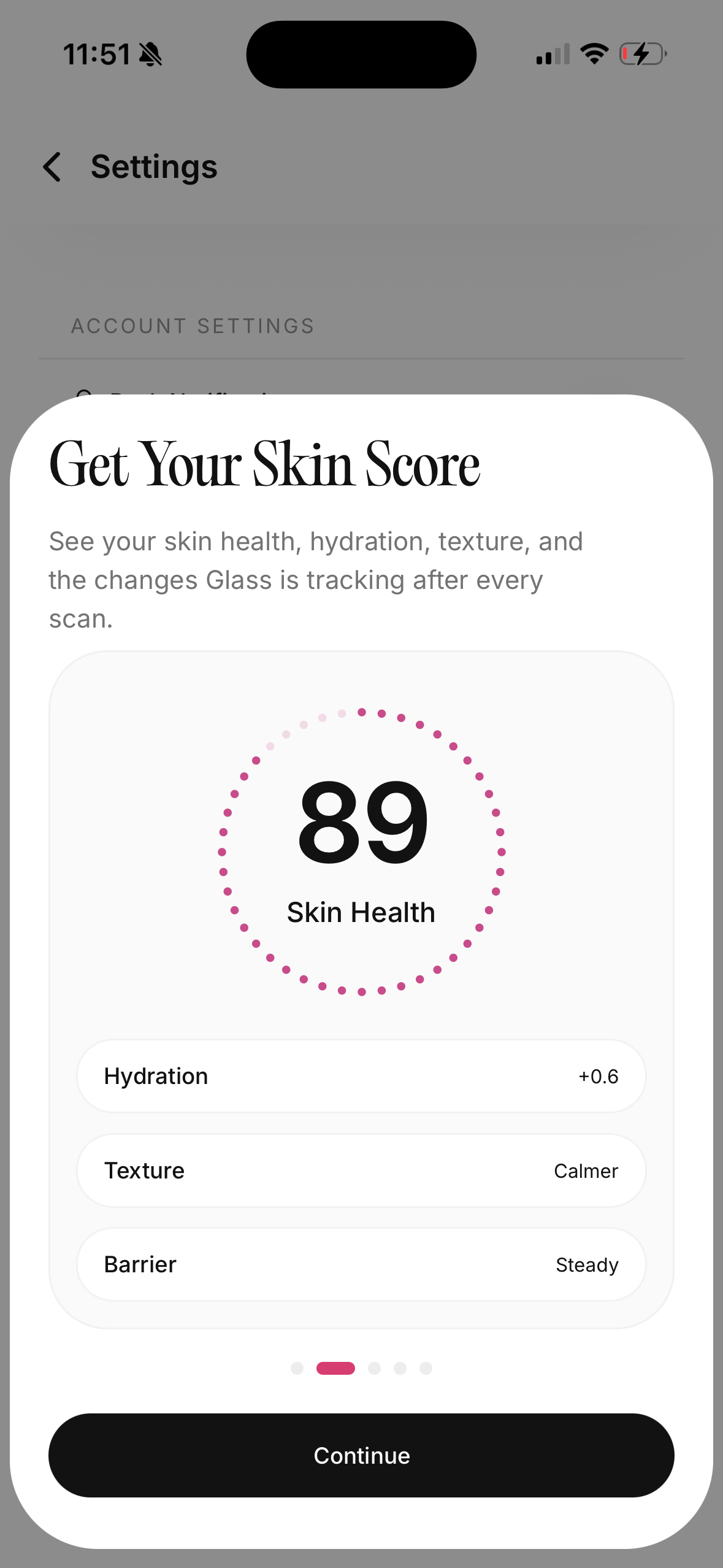
If an app helps you keep that loop steady, it is useful.
If it makes you chase a new interpretation every day, it is not.
My final pick
I would choose Glass over Lume Skin for most people.
Not because Lume Skin is useless. It is not. The scan-first, product-checking, AI assistant lane is genuinely appealing, especially if you want quick feedback and a broad app that feels instantly active.
I choose Glass because the better skincare app is not always the one that says the most on day one.
It is the one that helps on day twenty-one.
By then, the novelty is gone. You have missed a night. Your skin looks different in bad lighting. You are tempted to buy something. You cannot remember when you started the serum. You need the app to hold the pattern steady while your mood tries to rewrite it.
That is the moment Glass is built for.
So my recommendation is simple:
Choose Lume Skin if you want a scan-first AI skin assistant with product safety checks.
Choose Glass if you want the calmer daily system: routines, product history, scans, progress reports, and context that helps you stop guessing.
For real life, I would start with Glass.
FAQ
Is Lume Skin the same kind of app as Glass?
They overlap, but they are not the same shape. Lume Skin leans harder into AI skin scanning, product safety checks, and AI dermatologist-style assistance. Glass leans more into routine tracking, skin scans, product logging, progress reports, and daily skincare context.
Is Glass better than Lume Skin?
Glass is better if your main problem is routine consistency, progress tracking, product-change history, and understanding what changed over time. Lume Skin may be better if your main interest is a scan-first app with product safety checks and broad AI assistant features.
Can an AI skincare app replace a dermatologist?
No. An AI skincare app can help you organize routines, photos, product history, and general skin observations. It should not replace medical care for painful acne, scarring, changing moles, infection signs, sudden rashes, severe irritation, or anything that feels unusual or concerning.
How often should I scan my skin?
Weekly is enough for most people who are tracking progress. Daily scans can be useful for specific experiments, but they can also make you overreact to lighting, sleep, and normal skin variation. A consistent weekly photo or scan usually gives a calmer pattern.
Which app should I use if I keep buying products too fast?
Use Glass if the problem is buying before you understand what your current routine is doing. Product scanning can help before purchase, but routine history is what helps you decide whether a product actually earned its place.