
Compare Dallas-area medspas
Use this table to compare providers near Dallas, OR by the services they publicly list before you open every site one by one. It is built for the practical choice: who offers the treatment lane you care about, and which provider guide should you read next.
How to read it
The clean way to narrow the list
Use the comparison table as a first pass, then move into the provider pages once you know which treatment lane matters.
Start with the service lane
A checkmark means the provider publicly lists that treatment category. It is a filter, not a quality score.
Then read the provider page
Use the guide link to check the provider summary, services, consult questions, and related product context.
Confirm before booking
Provider menus change. Treat the table as a comparison map, then confirm current services, pricing, and fit directly.
Routine support
Products to compare after you shortlist providers
Provider visits and home care do different jobs. These product guides give the page another useful path after someone compares service fit.
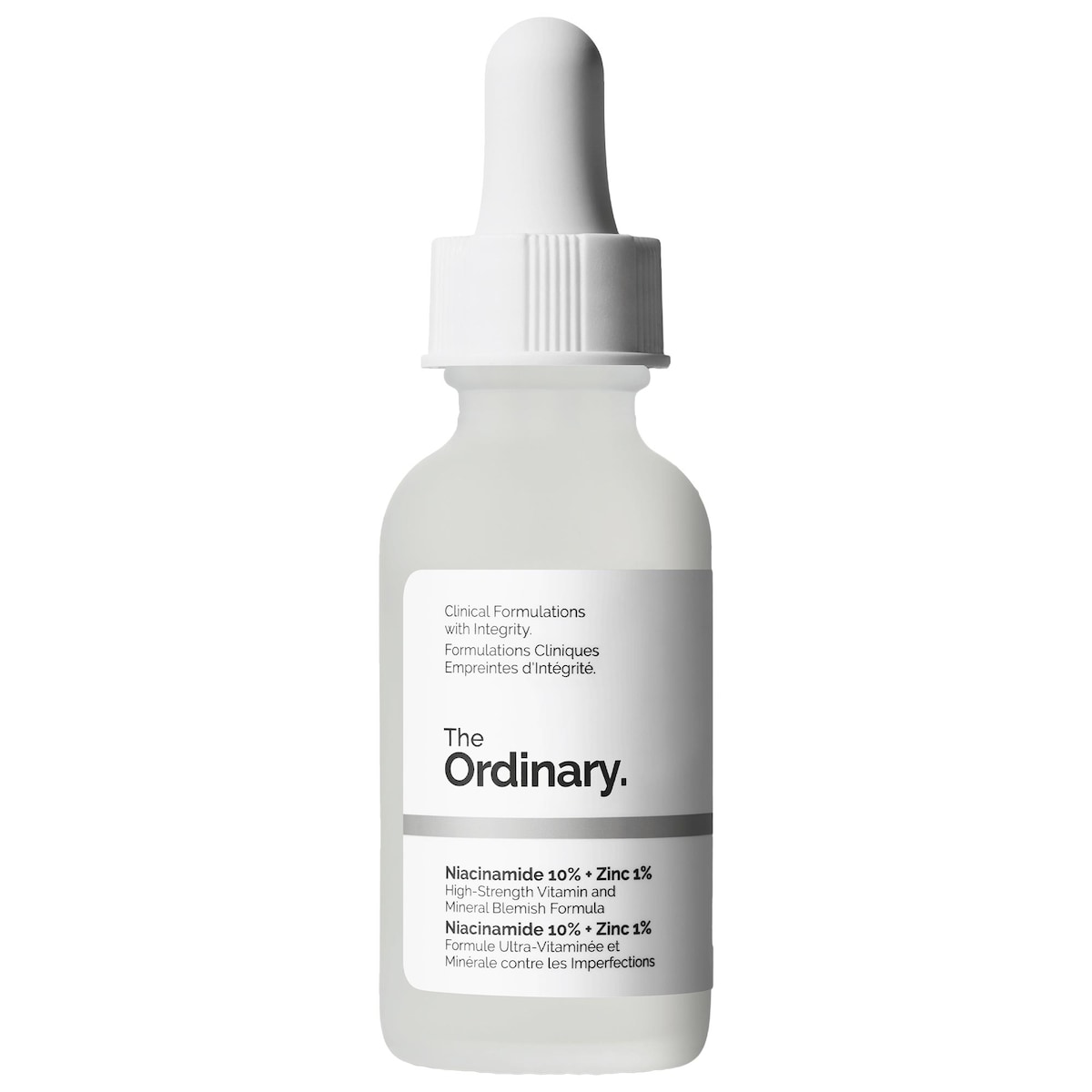
Treat
The Ordinary Niacinamide 10% + Zinc 1% Serum for Oily Skin
Glass breaks down The Ordinary Niacinamide 10% + Zinc 1% Serum for Oily Skin with routine fit, ingredient context, who should skip it, and what to compare before buying.
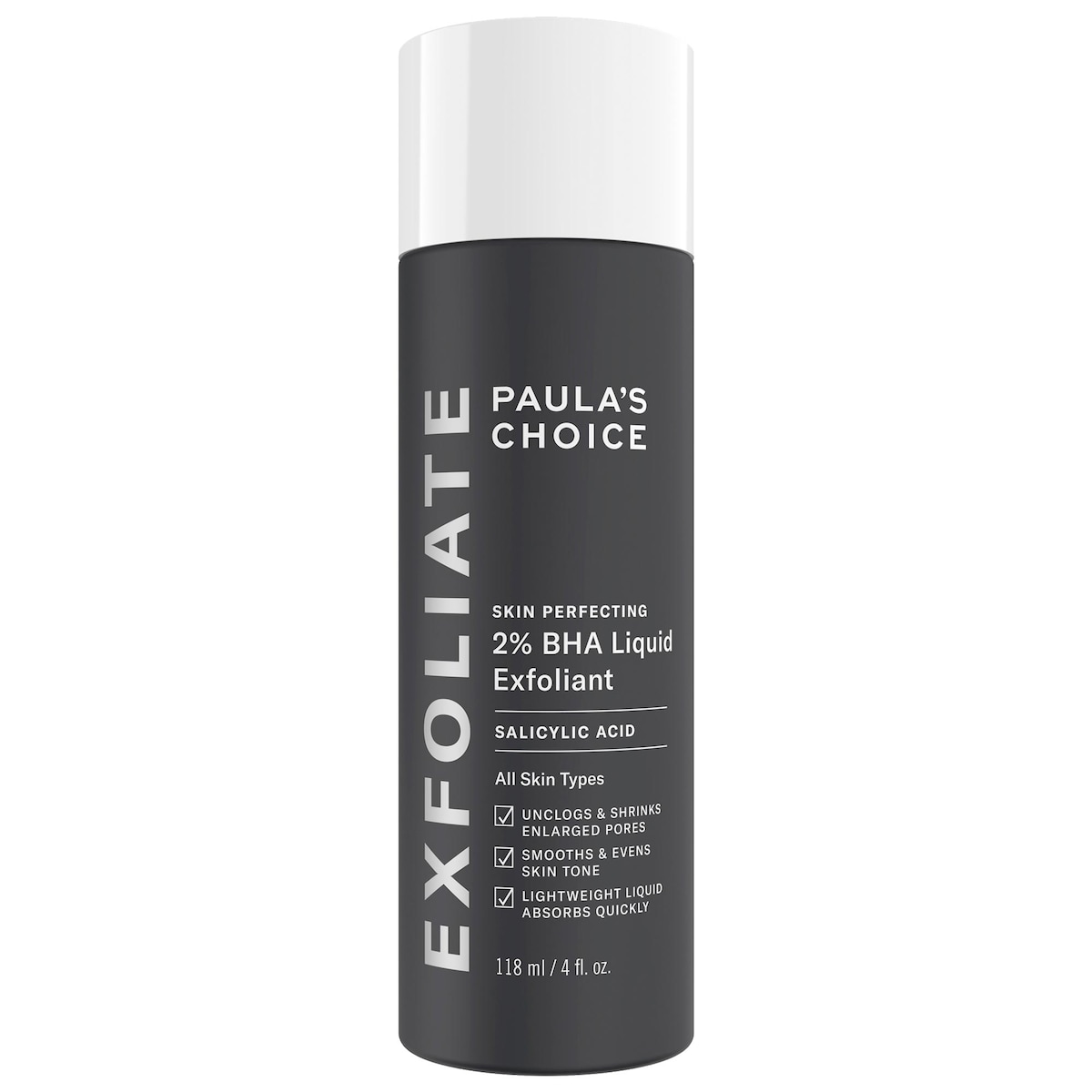
Treat
Paula's Choice Skin Perfecting 2% BHA Exfoliating Toner for Clear Skin
Glass breaks down Paula's Choice Skin Perfecting 2% BHA Exfoliating Toner with routine fit, ingredient context, who should skip it, and what to compare before buying.

Treat
AuraBiom Legacy Youth Elixir
Glass breaks down AuraBiom Legacy Youth Elixir with peptide-delivery claims, GHK-Cu, Matrixyl, Argireline, hydration, Loox review themes, FAQs, price, and routine fit.

Moisturizer
Glow Recipe Watermelon Milk Peptide Cushion Cream Refillable Moisturizer
Moisturizer step; compare against your current barrier cream before stacking another peptide-rich hydrator.

Serum
Glow Recipe Watermelon Glow Niacinamide Dew Drops
Serum or glow-prep step; useful to check whether niacinamide is already repeated across your routine.

Toners and mists
Glow Recipe Watermelon Glow PHA+BHA Pore-Tight Toner
Exfoliating toner step; avoid treating it like a harmless hydrating toner if your routine already has acids or retinoids.
Provider guides
Open the pages behind the table
The table is the fast scan. The provider pages give the extra context: site copy, services, booking questions, and nearby provider links.
Take it into Glass
Turn the visit into a routine you can actually track
Use Glass after the comparison to save provider notes, products to revisit, and the routine changes you want to track after a consult.
Mobile handoff
Scan from your phone or download Glass directly to keep provider notes, appointment details, and routine changes in one place.